Comments
Comments provide a way to communicate internally about the content of a smartpage. Any user with an account can write comments on smartpages where commenting is enabled.
How to enable comments
- Open the smartpage where you want to allow comments.
- Switch to edit mode.
- In the right column, enable Allow comments.
- Publish the smartpage.
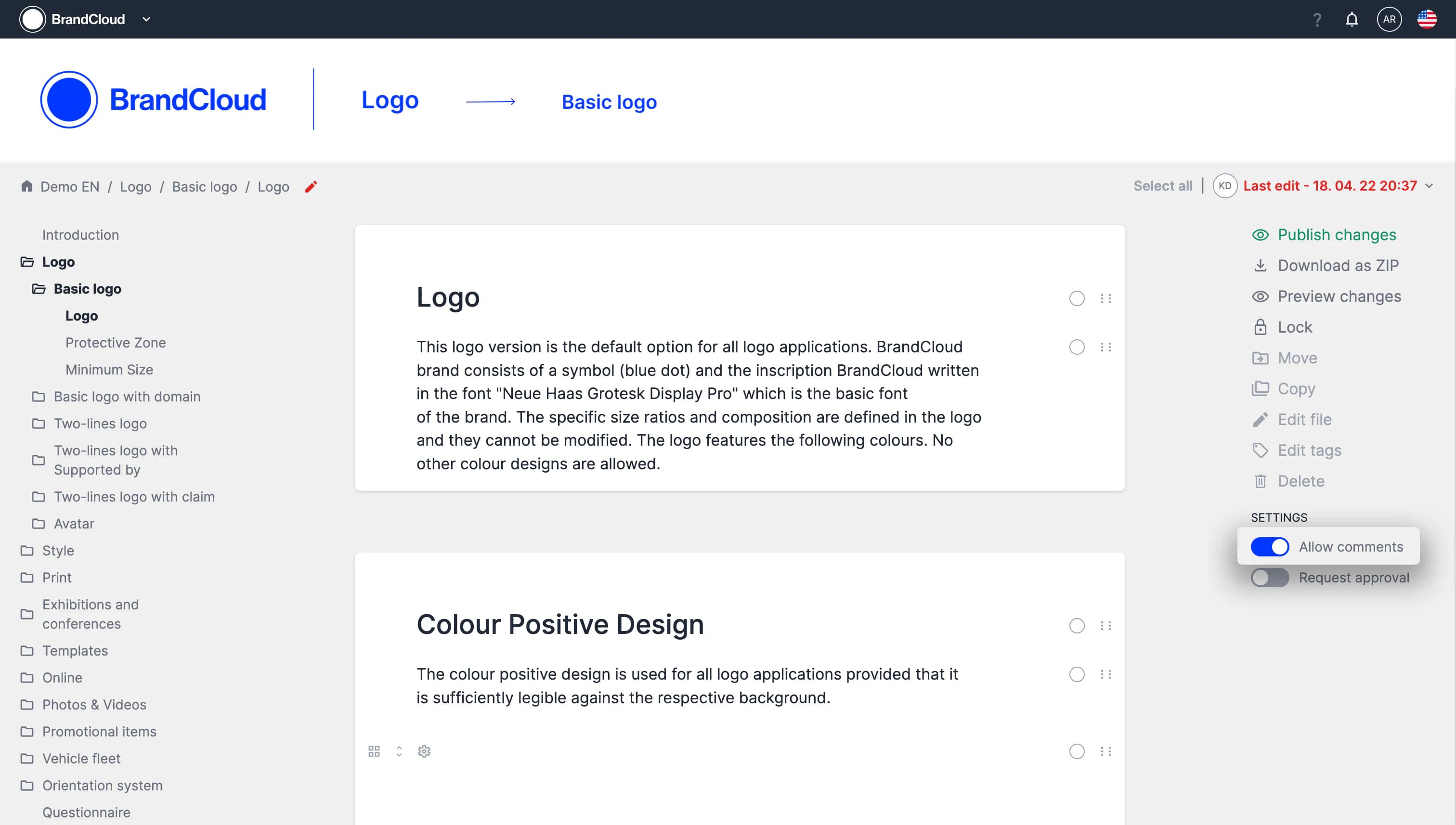
After publishing, you can comment on any element. Hover over an element to display the comment icon.
Comment options
You can post comments, reply to comments, edit your own comments, mark comments as completed and mention your colleagues in them. These options support collaborative work and review processes.
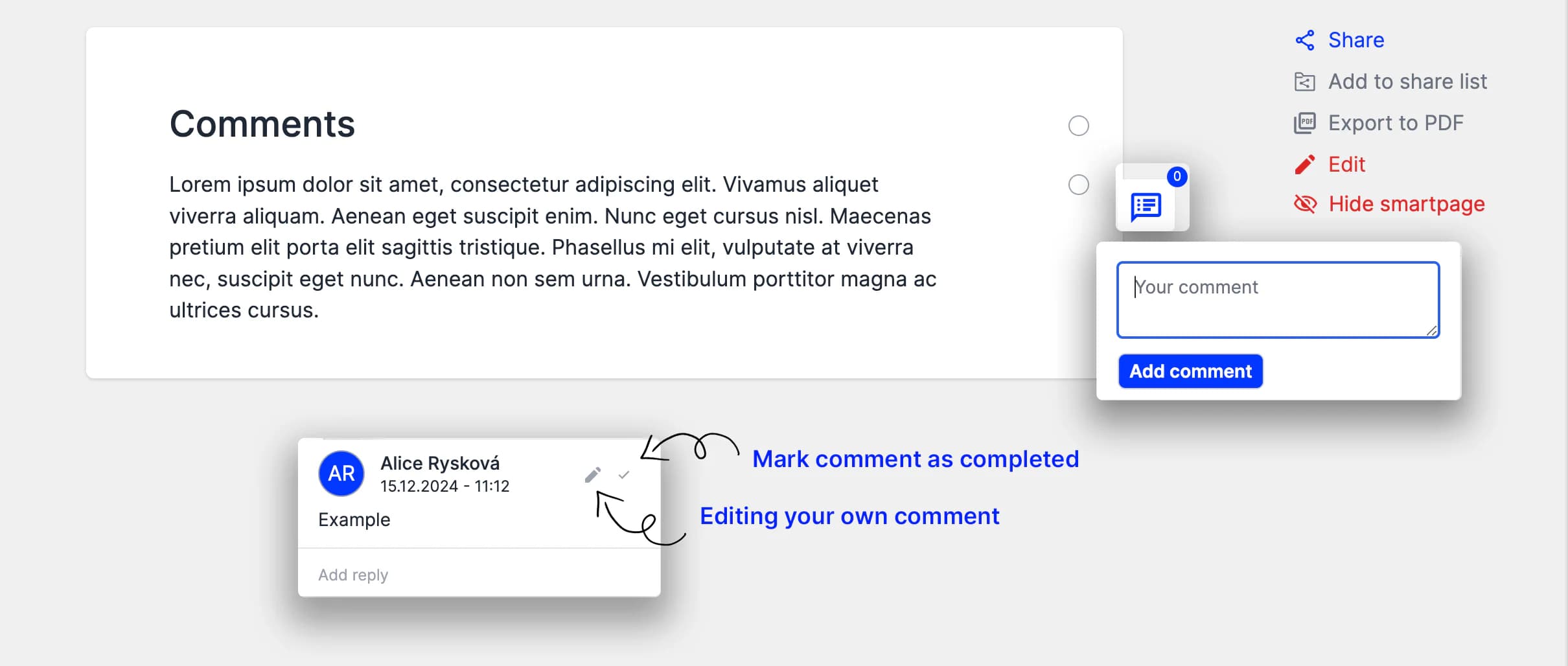
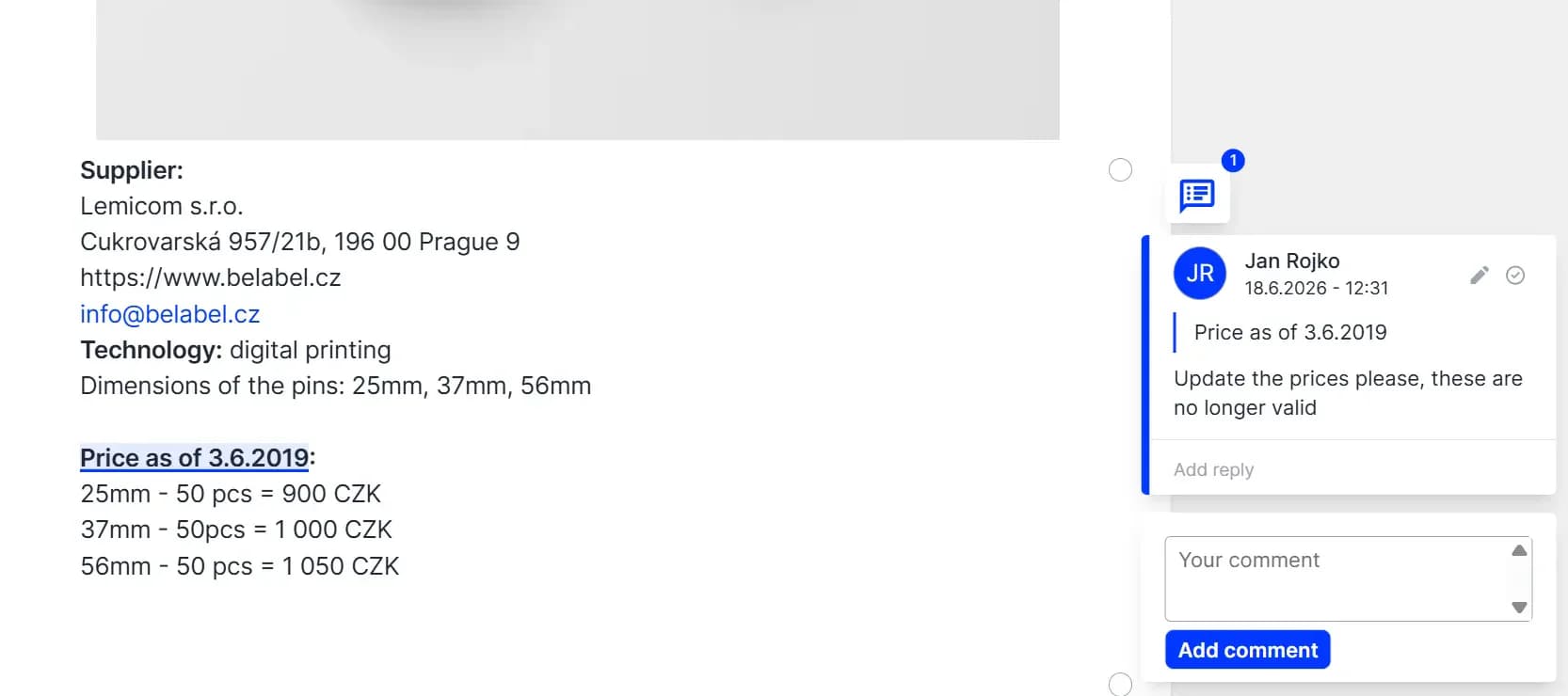
Comments are interactive, therefore you can also highlight the specific part of the text you're referring to in your comment.
We also support tagging with '@' (@mentions), so your colleagues know exactly which comments are directed at them.
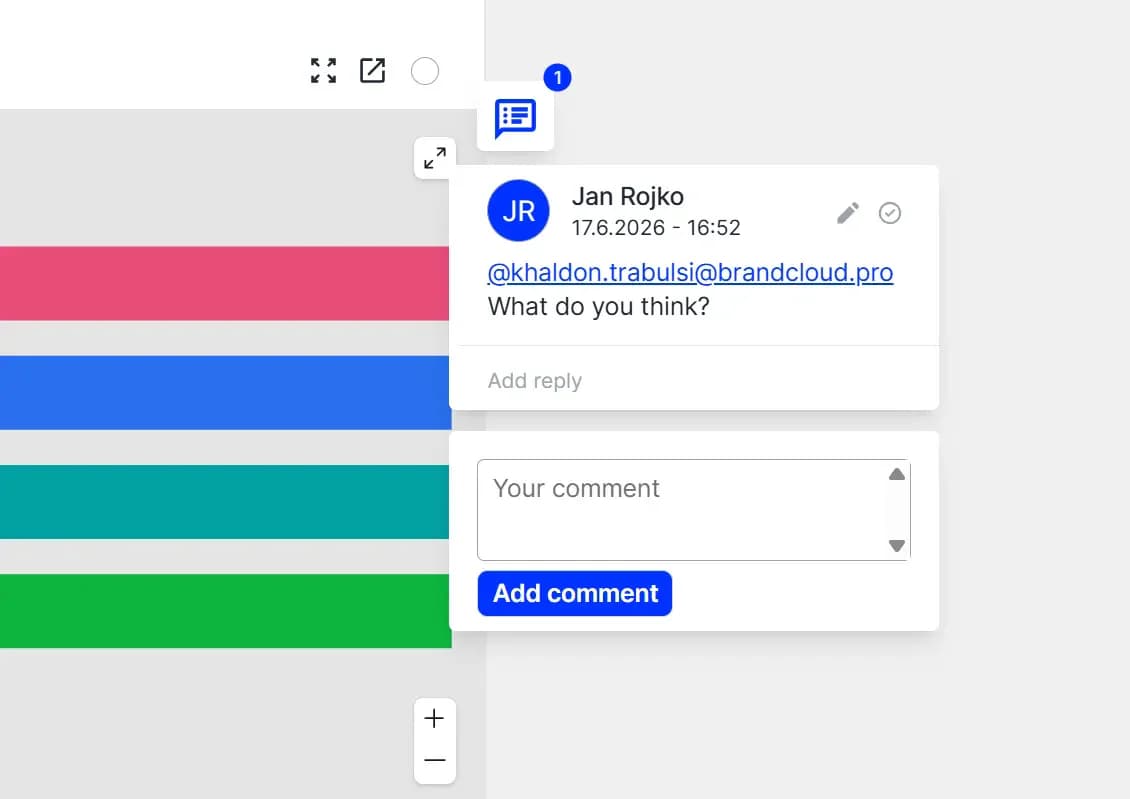
Additional information to mentions:
Notifications for Tagged Users
When you tag a colleague in a comment, you have the option to notify them via email.
Email Requesting a Response
Choose whether to simply save the comment or send an email right away with a preview of the text and a direct link to the thread.
Notifications at Any Time
You can also send email notifications retroactively for existing comments.
Overview in One Place
On the main page, you’ll find a new “Mentions” section with a list of all pages where someone has tagged you.
Tutorial
What can you learn?
- How comments support efficient collaboration.
- How to enable comments.
- Which comment features are available.