User
Logout
You are automatically logged out after a period of inactivity for security reasons. If you want to log out manually, you can do so at any time.
How to log out
Select your profile icon and choose Logout.
You are then redirected to the login page, where you can log in again.
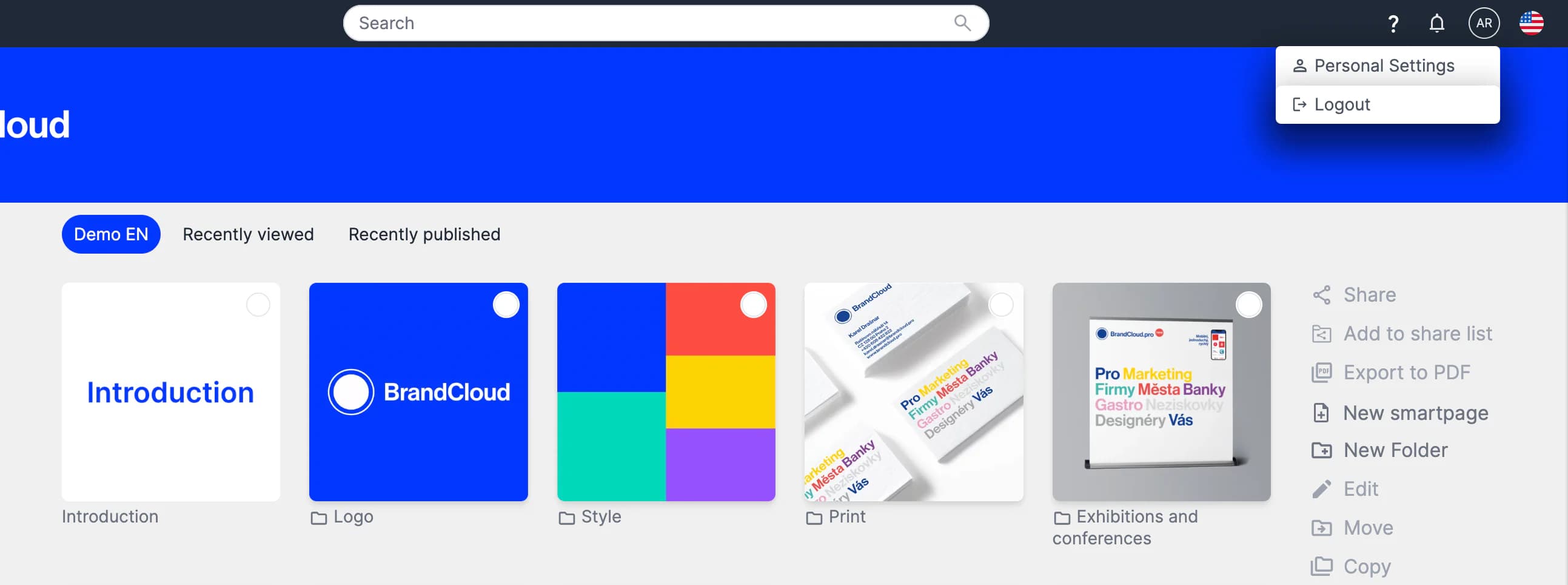
Preview of the Logout button