Managing Content
Structuralization Using Drag & Drop
You can use drag & drop to organize folders and smartpages. This method allows you to quickly restructure content and place it where needed.
Drag & Drop within a single branch
Within one branch (for example, the main page or a single folder), you can:
- Move tiles to reorder them.
- Adjust the order in the tree structure on the left side of the page.
- Move individual elements within a smartpage to structure its content.
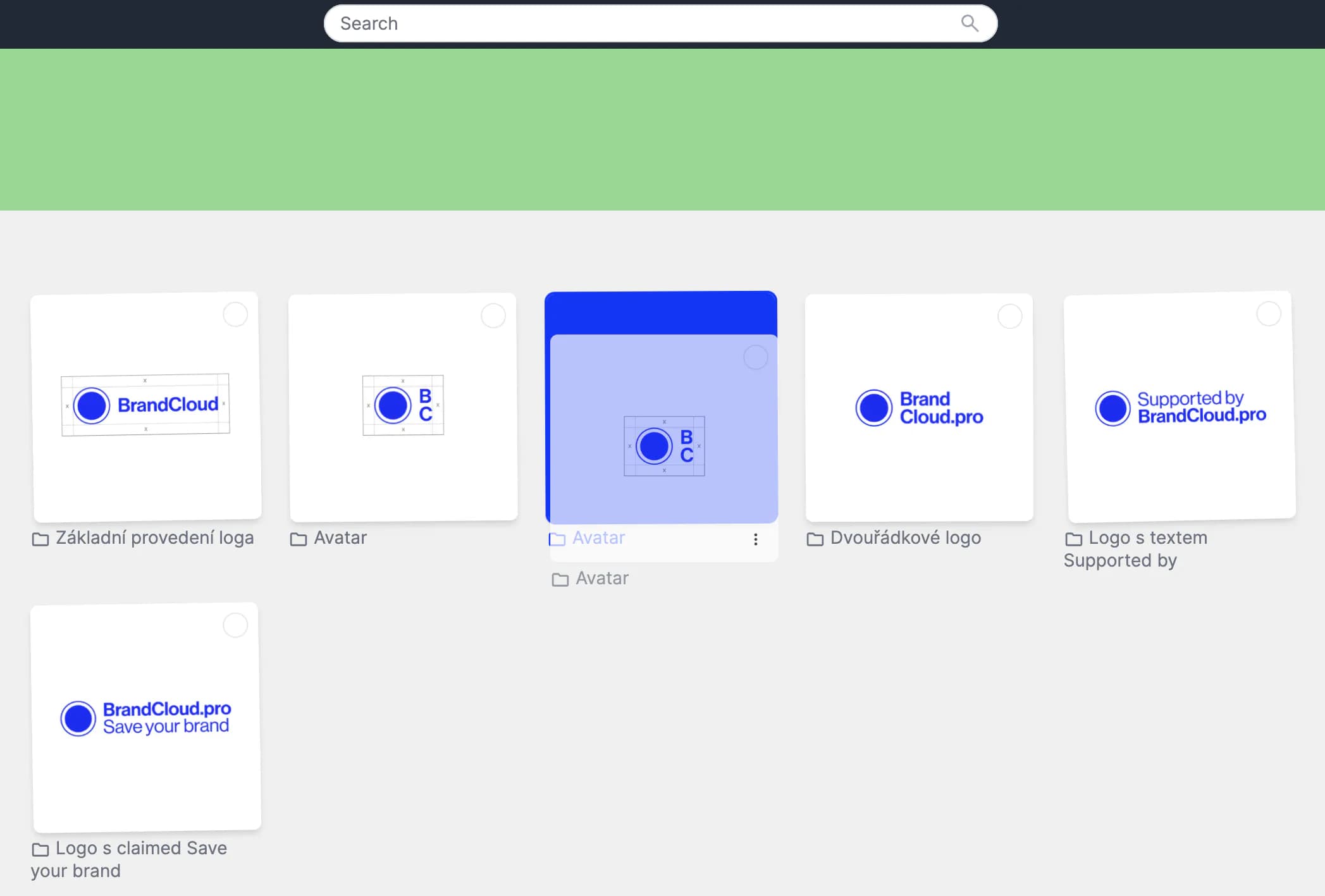
Moving tiles
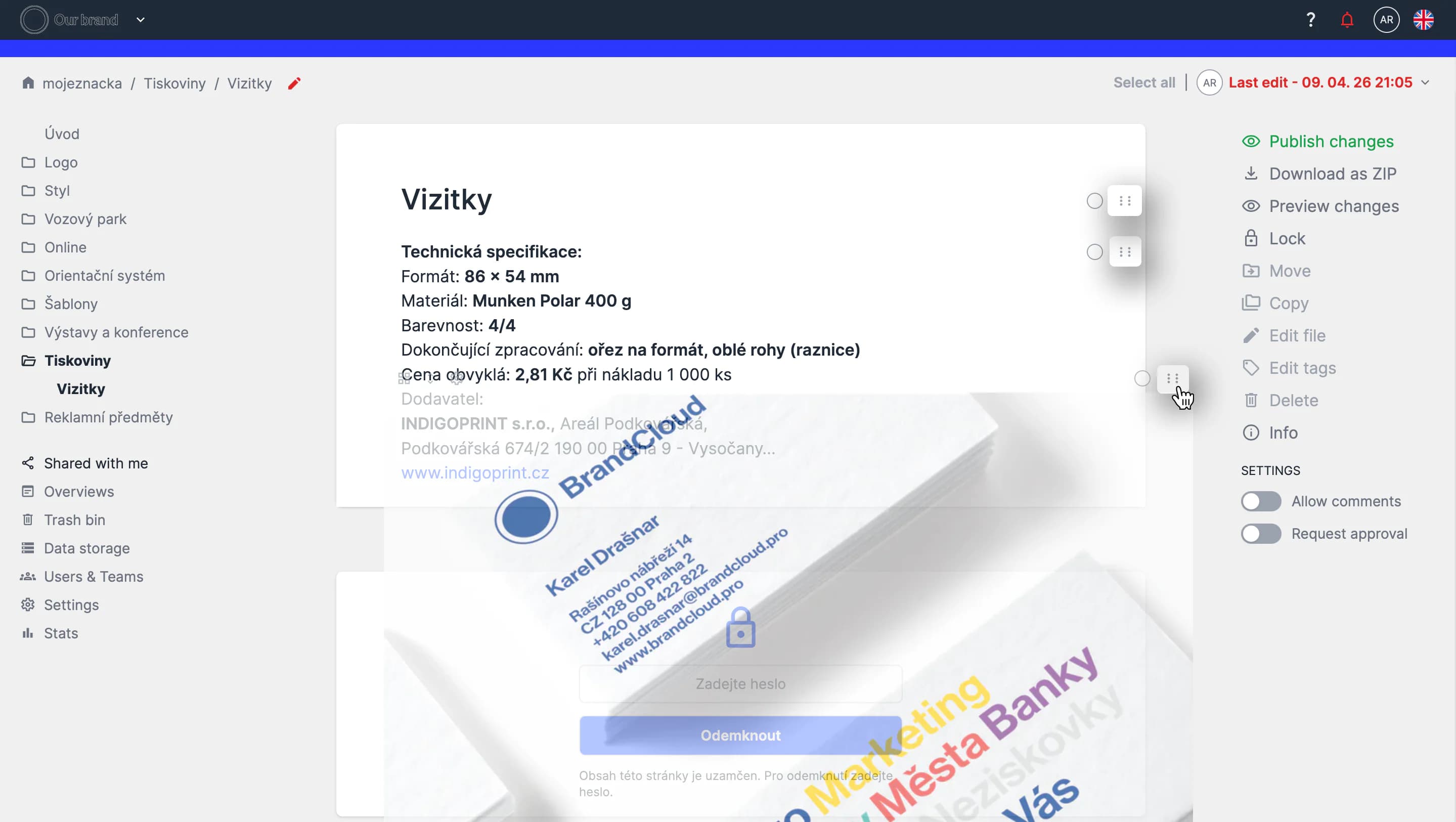
Structuring elements within a document
Drag & Drop across the structure
You can also restructure content across multiple branches using the tree and tile views. This allows you to:
- Embed folders and smartpages into other folders.
- Change the order of folders and smartpages.
- Move content between tree and tile structures.
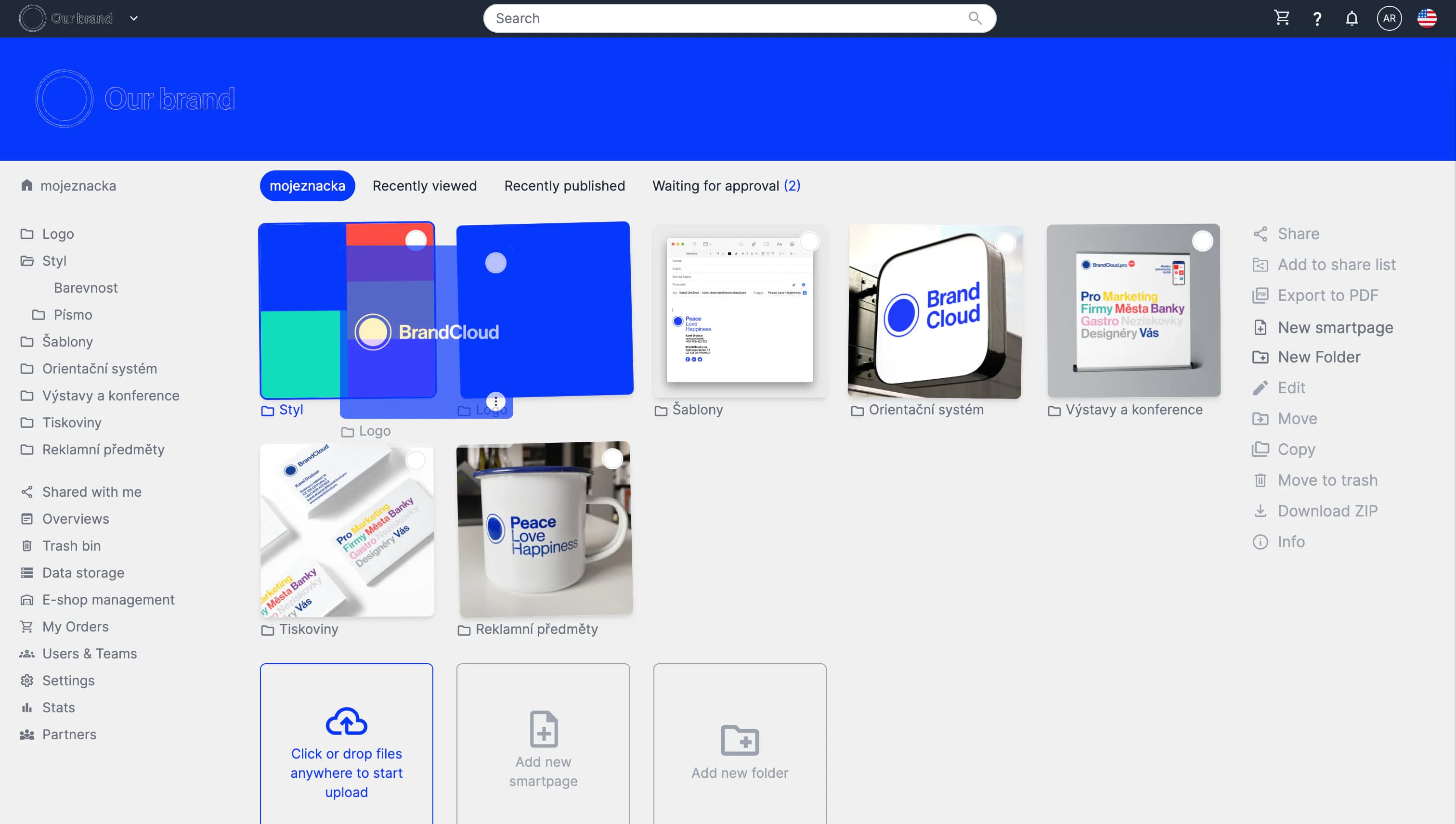
Demonstration of tile to tile embedding

Moving within the tree structure