Integrations
Two-factor Authentication
BrandCloud supports two-factor authentication to enhance account security.
How it works
- Enter your email and password as the first step.
- Enter a six-digit code sent to the phone number associated with your user profile.
This additional step reduces the risk of unauthorized access. Even if login credentials are compromised, access cannot be completed without the verification code.
Troubleshooting
If you do not receive the SMS code, contact your BrandCloud administrator to verify the phone number linked to your profile.
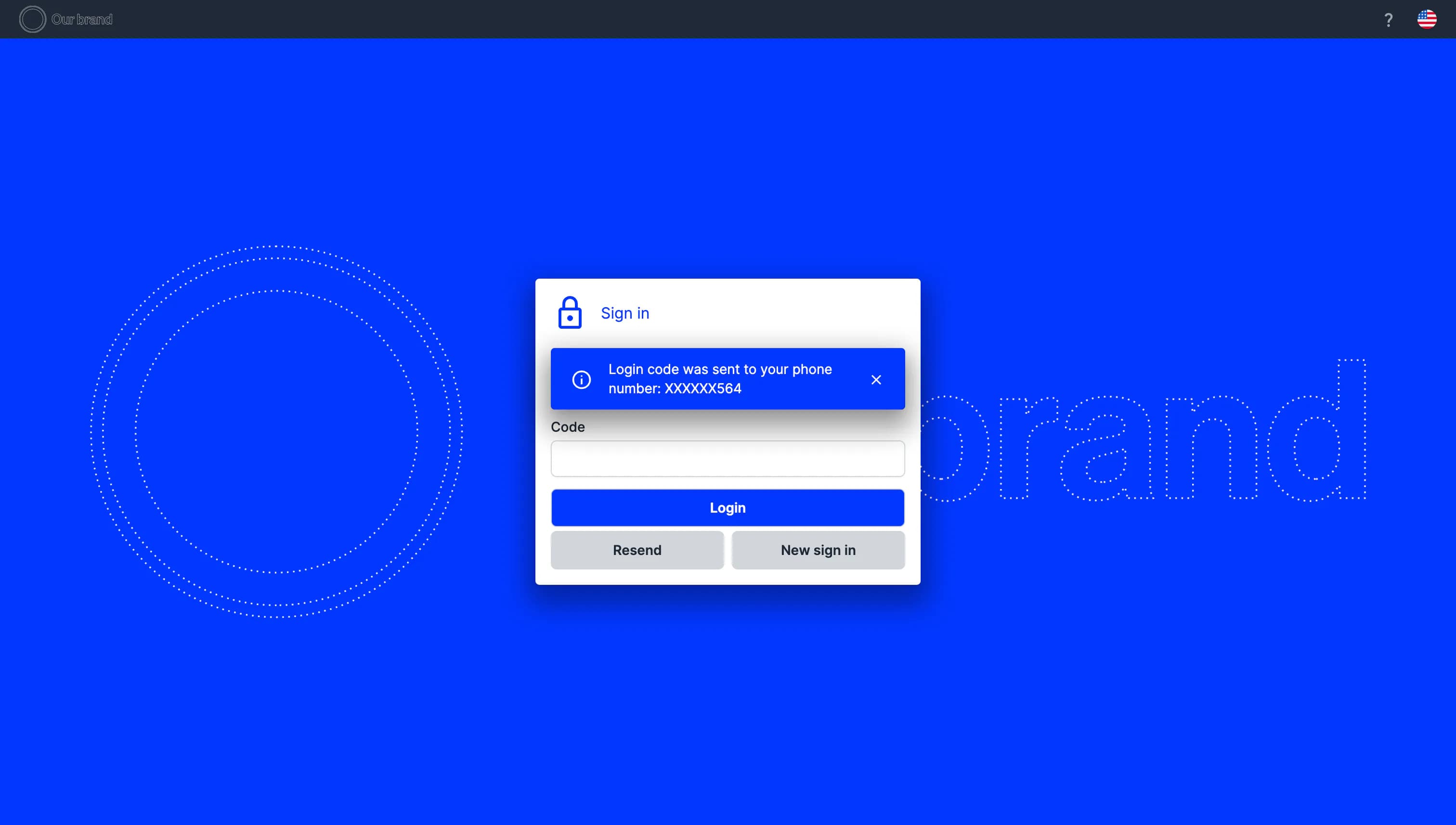
Preview of the login page in the two-factor authentication phase
Enabling the integration
These features are not available by default. Contact support to enable and configure Google Drive or OneDrive integration in your BrandCloud.