Smartpage
Restructuring Elements
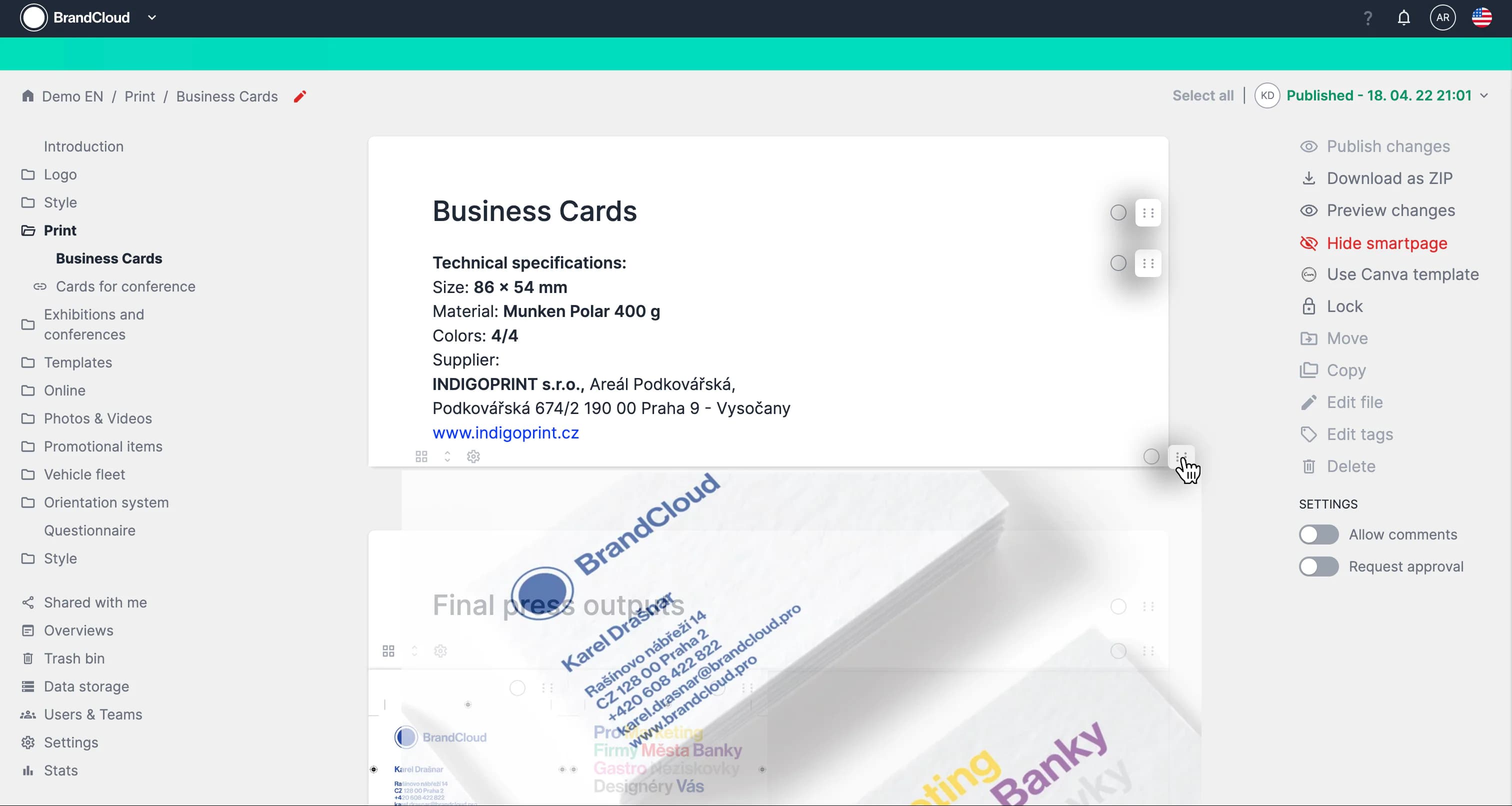
You can use Drag & Drop to reorder elements on a smartpage. Editing permissions are required, and you must be in edit mode to perform this action.
How it works
- Open the smartpage you want to restructure and switch to edit mode.
- Locate the element you want to move.
- Select and hold the six-dot icon in the upper-right corner of the element.
- Drag the element to the desired position on the page and release it to confirm the change.