Managing Content
Trash
Deleted folders and documents are moved to Trash. You can manage them in three ways:
- Permanently delete the content.
- Restore the content to its original location.
- Empty the Trash to remove all deleted items permanently.
You can restore entire folders or selected parts. You can also open deleted pages, folders, and files to review their content before deciding what to do.
Deleted items remain in Trash until you permanently remove them. No content is deleted automatically.
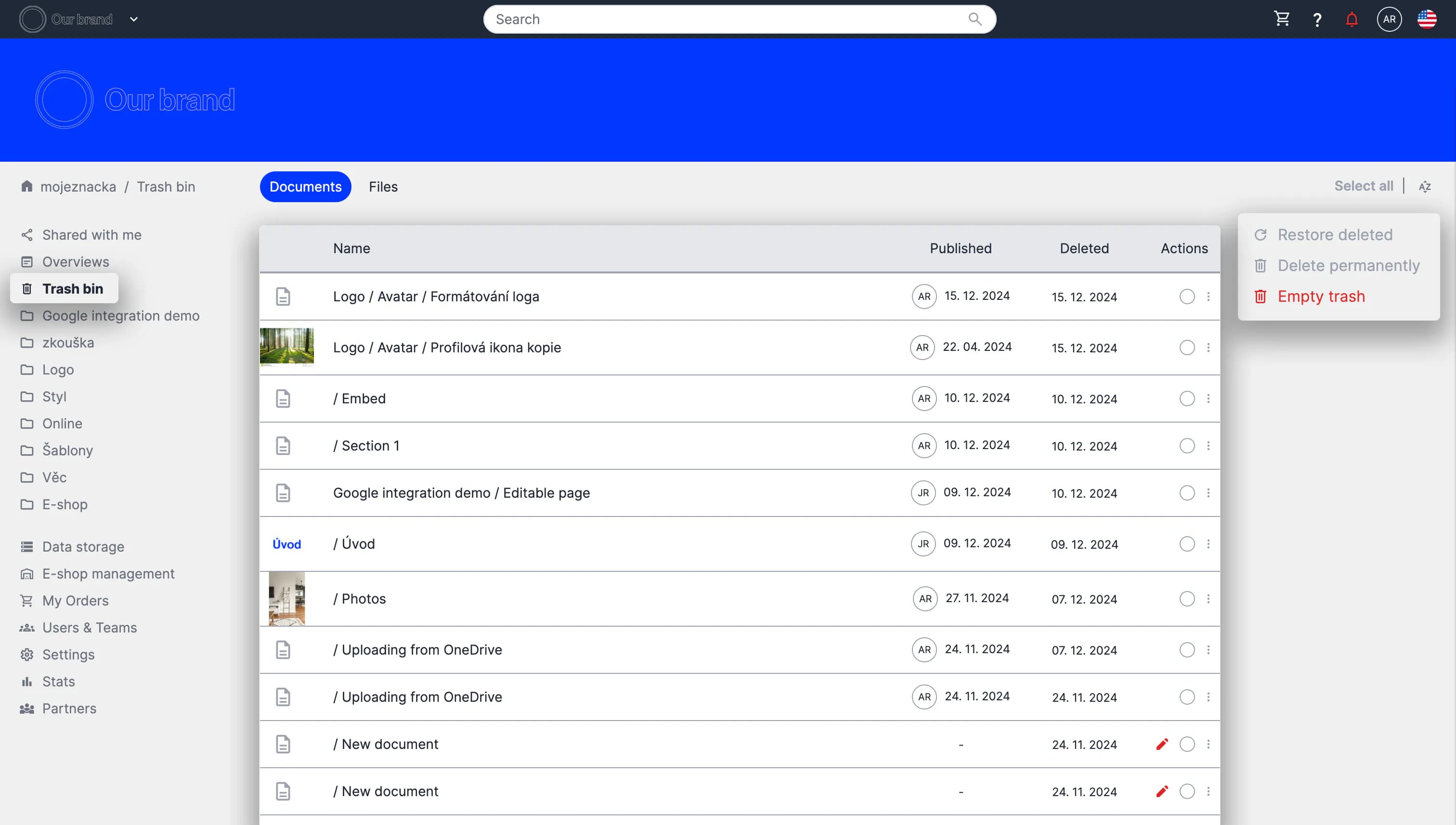
Preview of the Trash section