Figma Integration
You can use the Figma integration if you work in the Figma environment and need to access files stored in BrandCloud. Thanks to this connection, there is no need to download and re-upload files - you can access them directly from Figma.
How to connect the platforms
- Log in to Figma and open the Actions section in the bottom bar, where you will find the BrandCloud plugin.
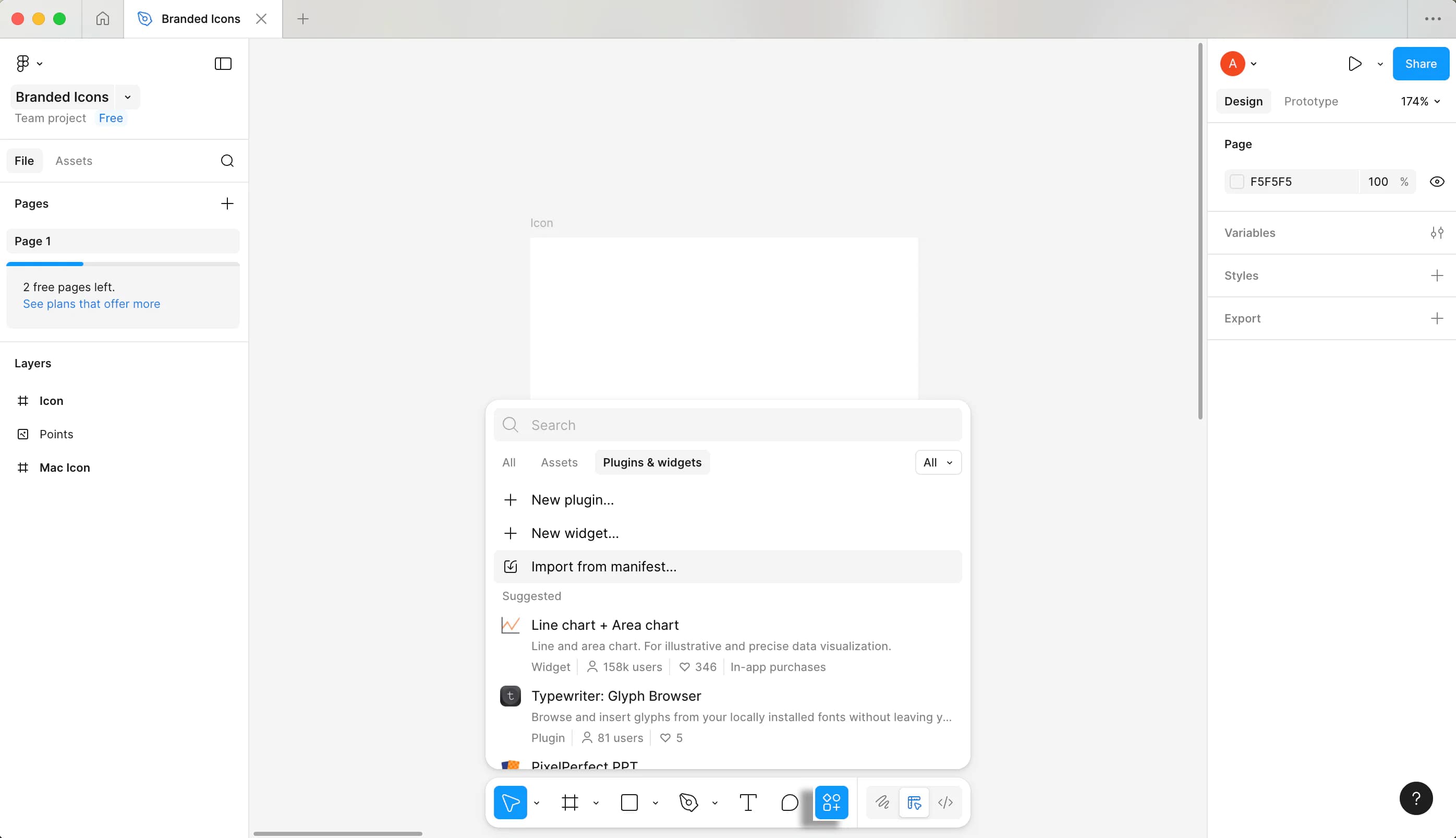
2. Search for the BrandCloud plugin and click it.
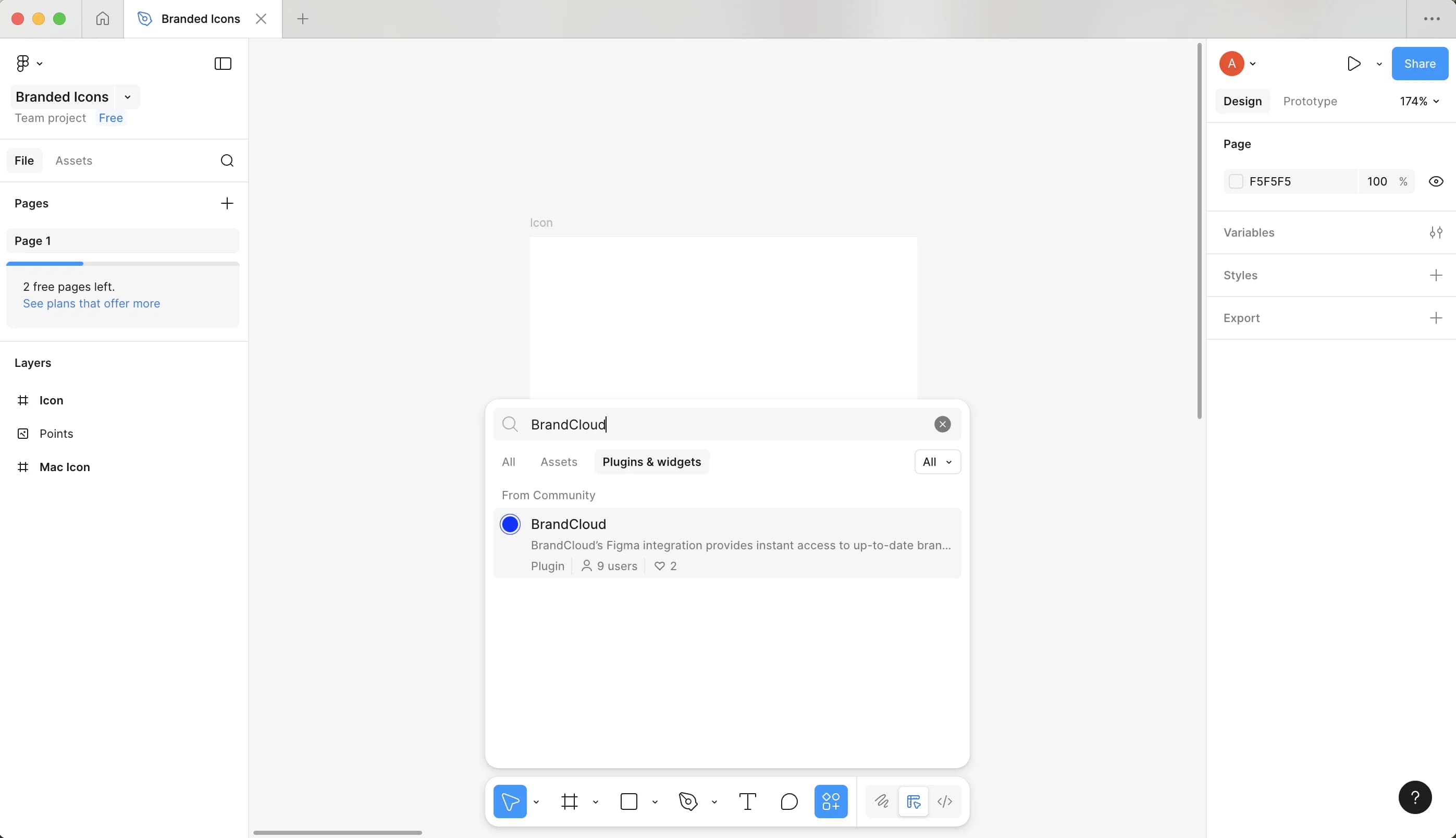
3. There you can save the plugin and run it at the same time.
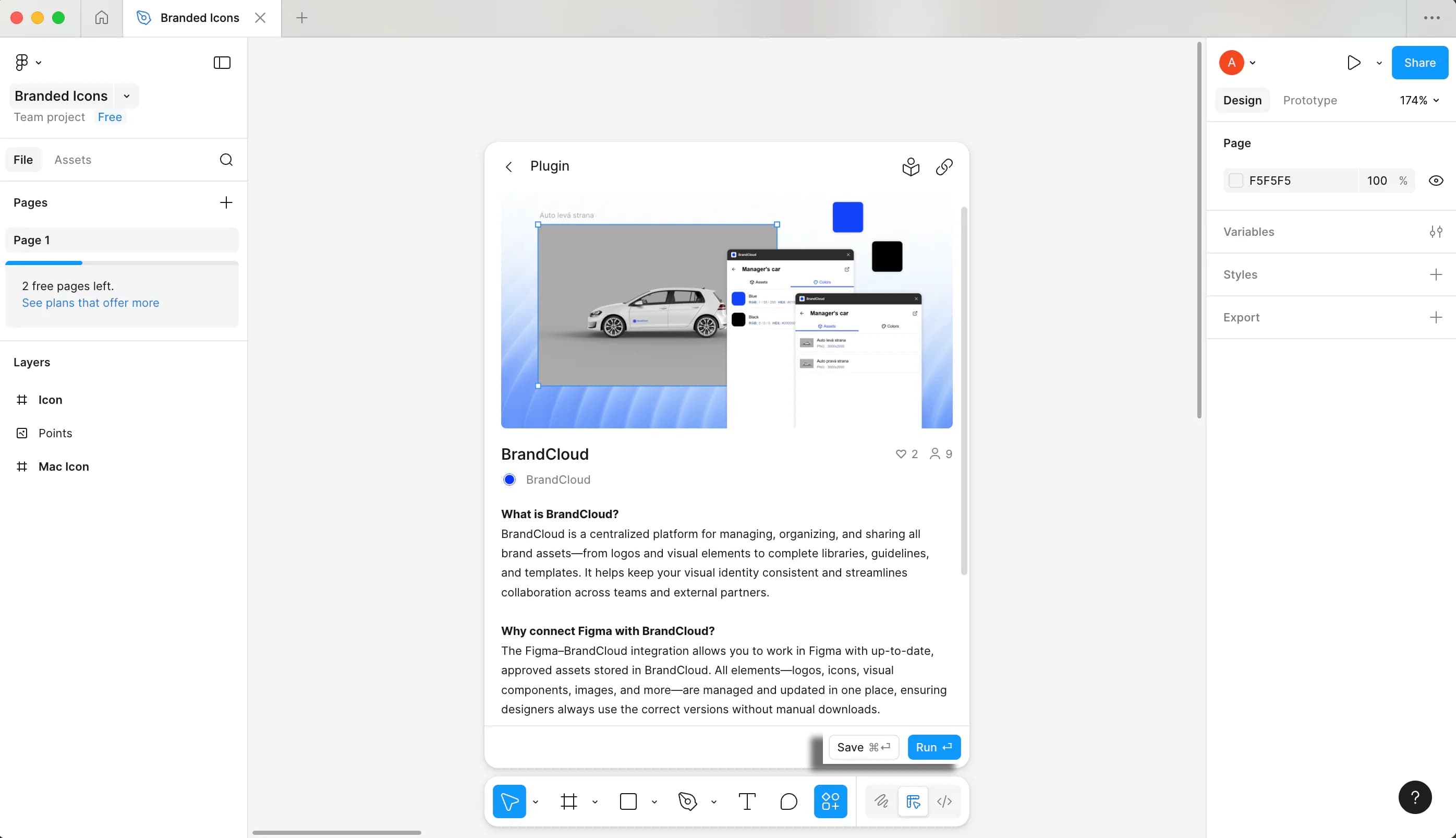
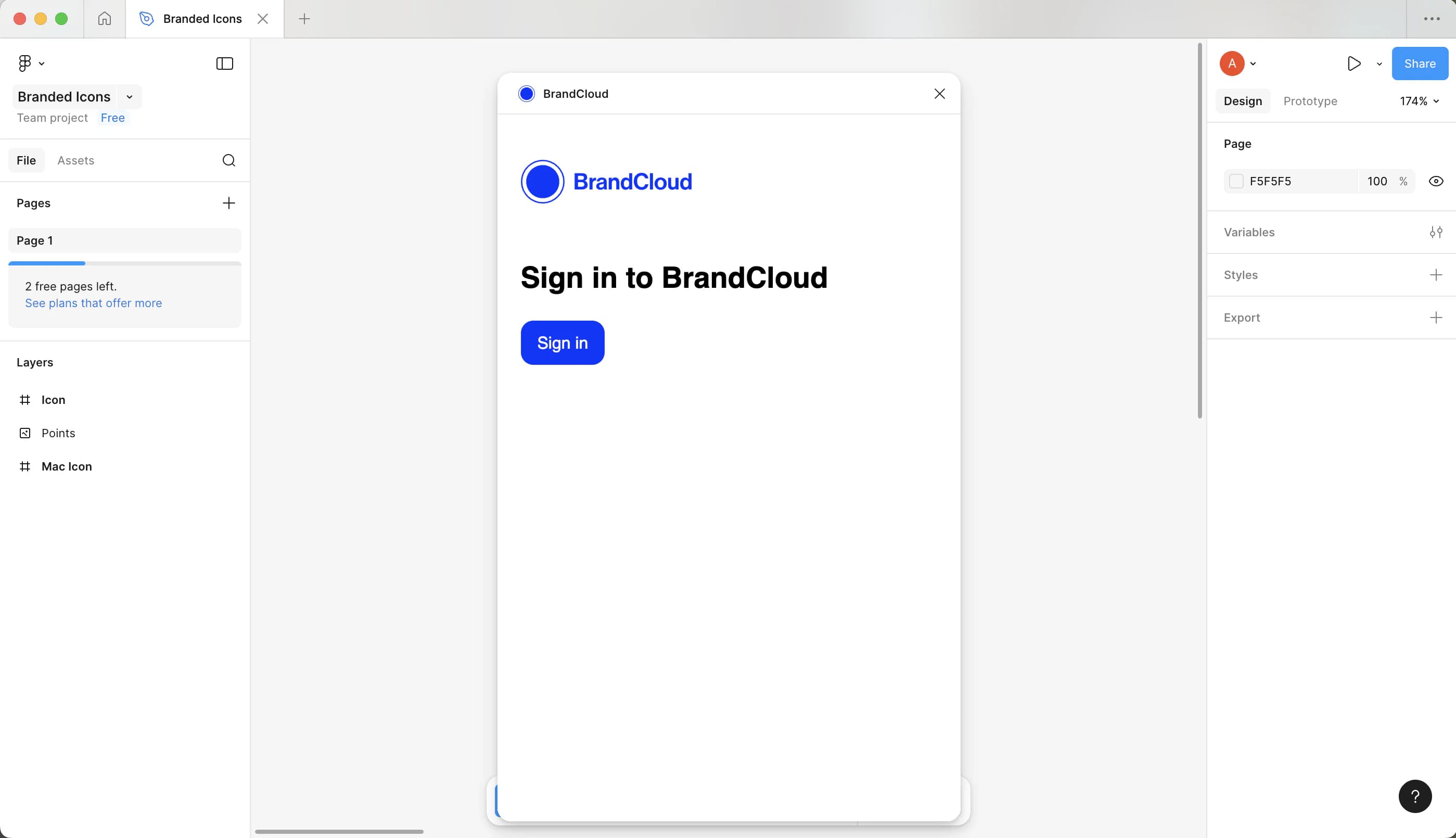
4. You will then be prompted to log in to your BrandCloud. You will be redirected to BrandCloud in your browser, where you can log in with your usual login details. You will then be automatically redirected back to Figma.
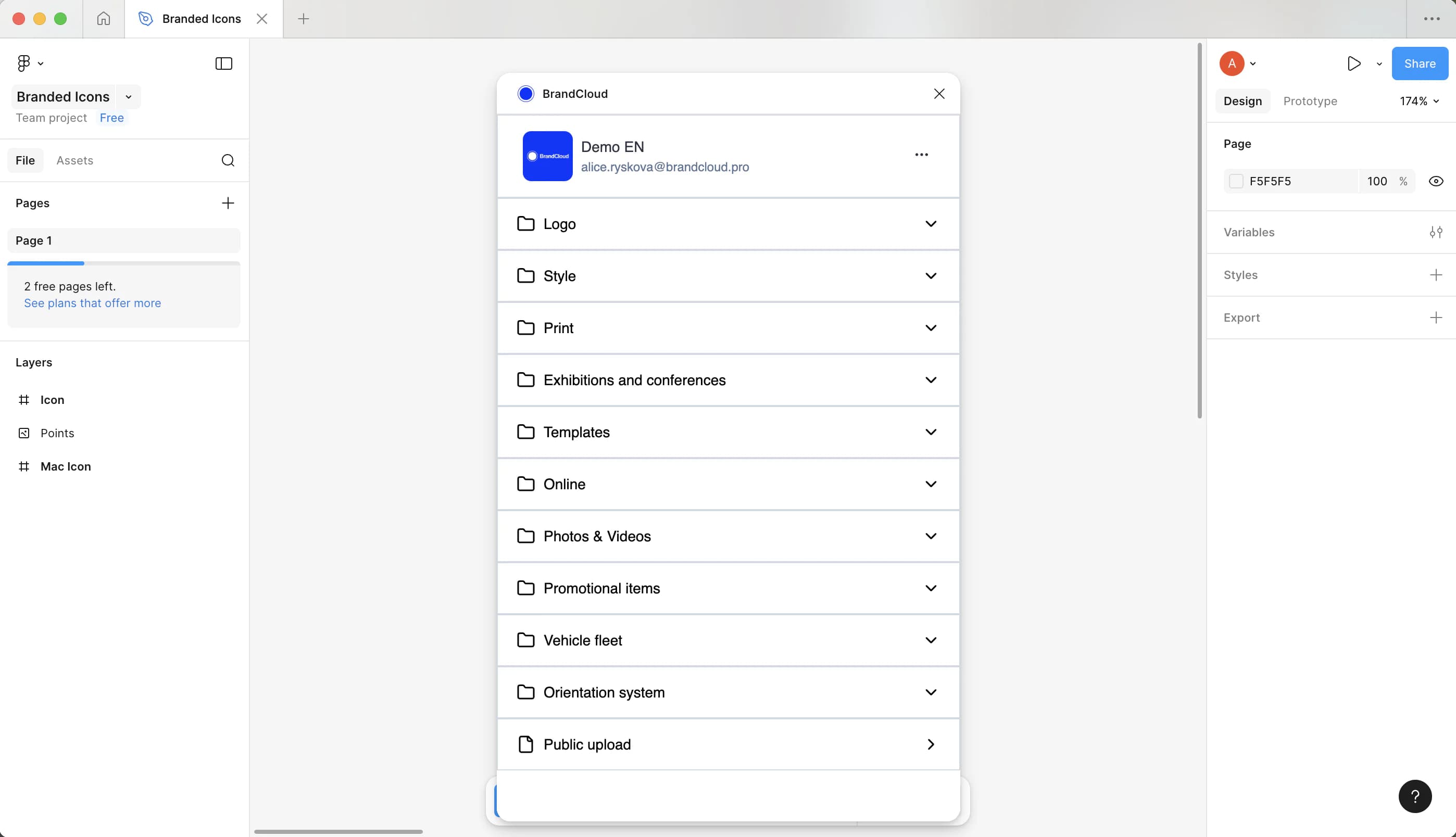
5. After logging in, you will see the BrandCloud tree structure. There you can search for all the assets you need to use in Figma.
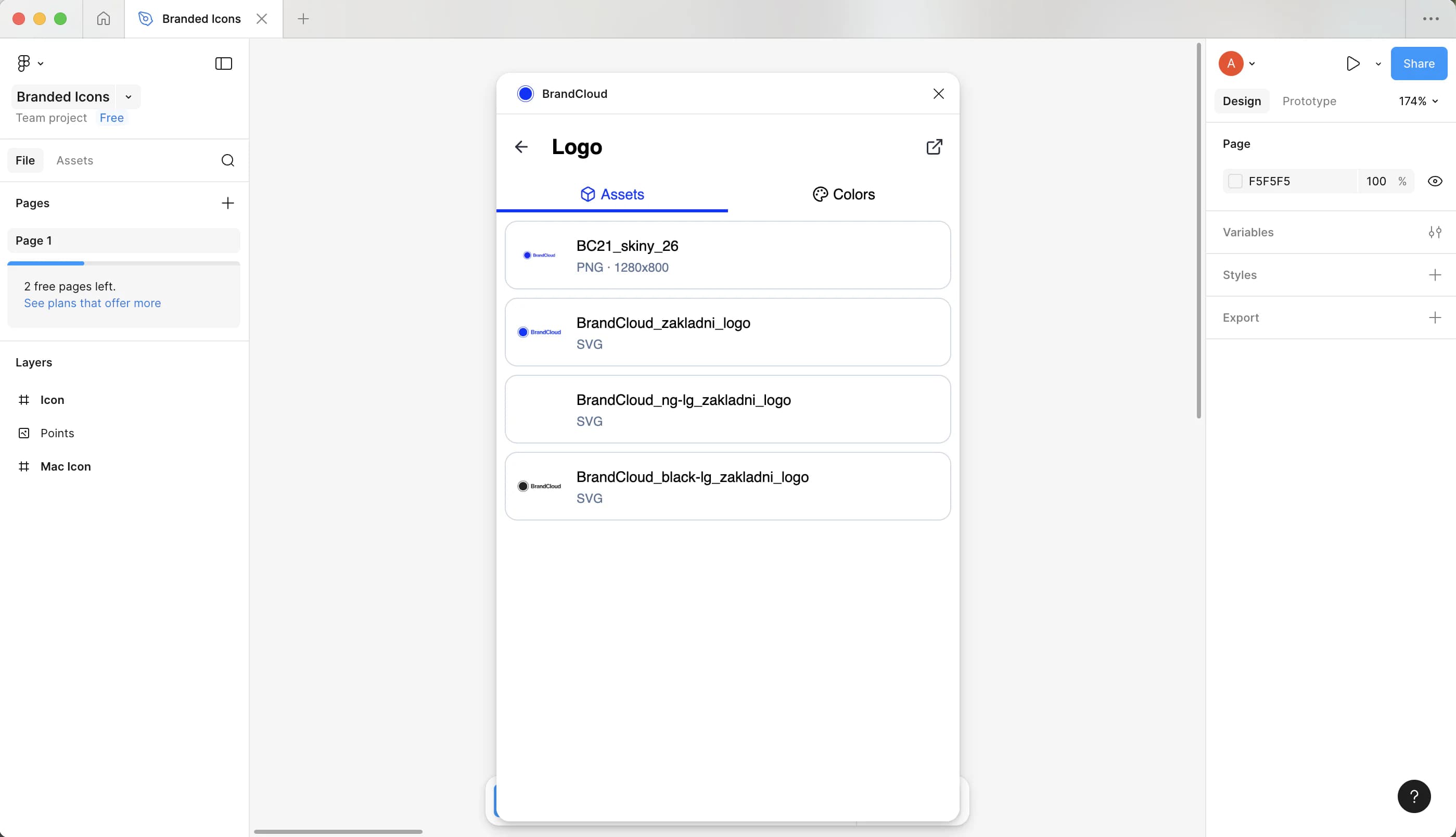
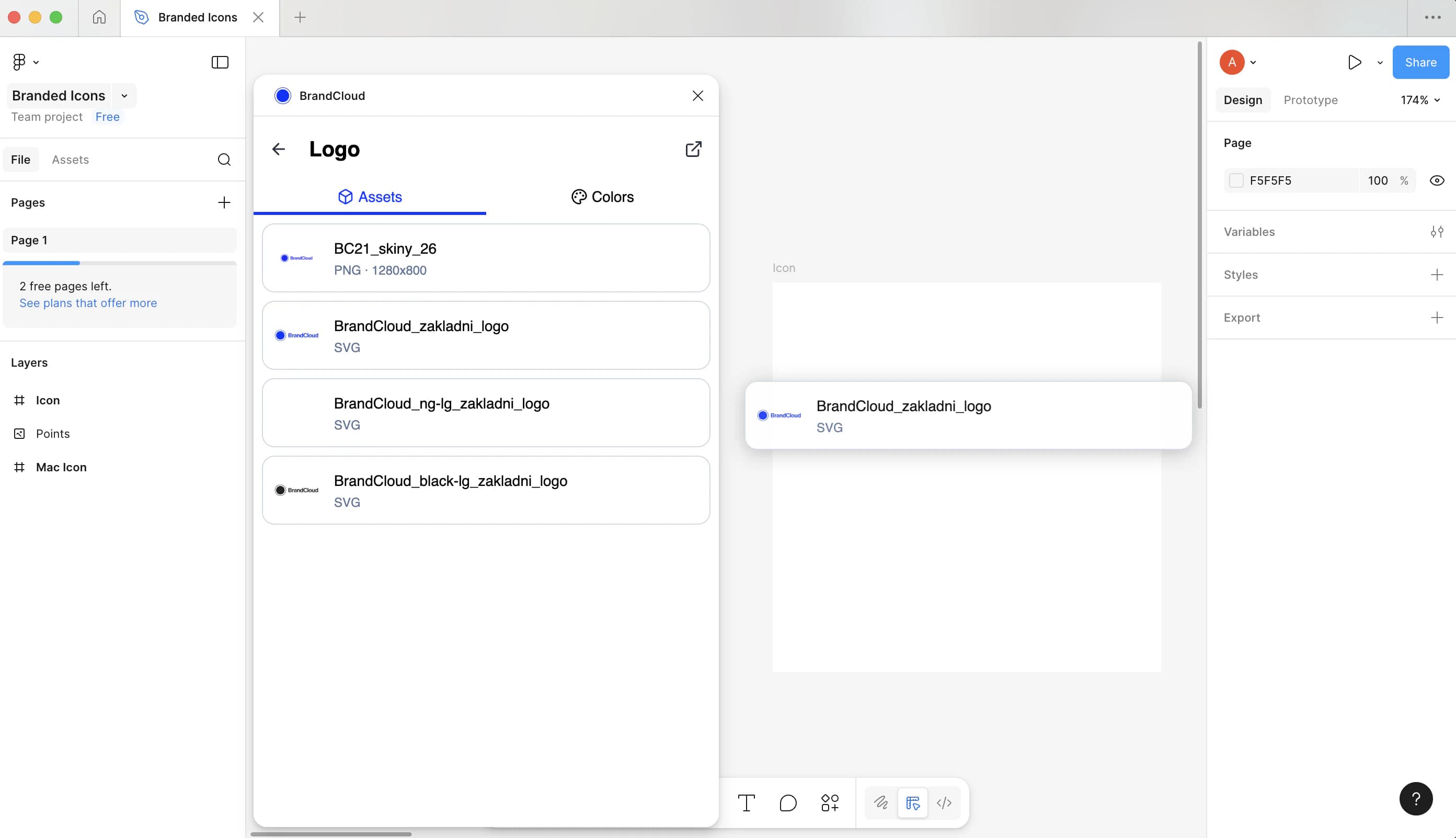
6. Drag them onto the workspace to add them to your design.
7. Then you can work with the assets according to your needs.
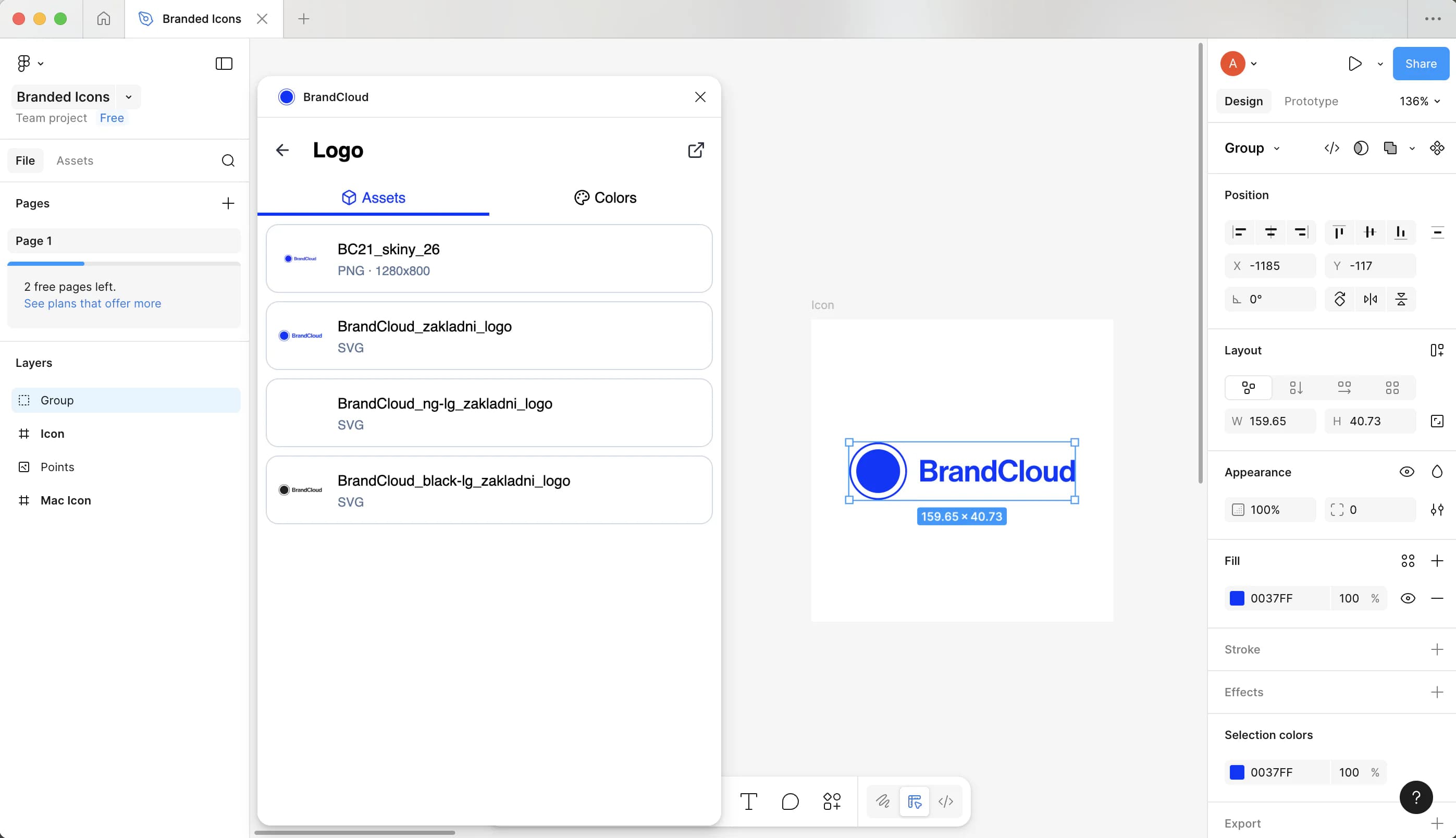
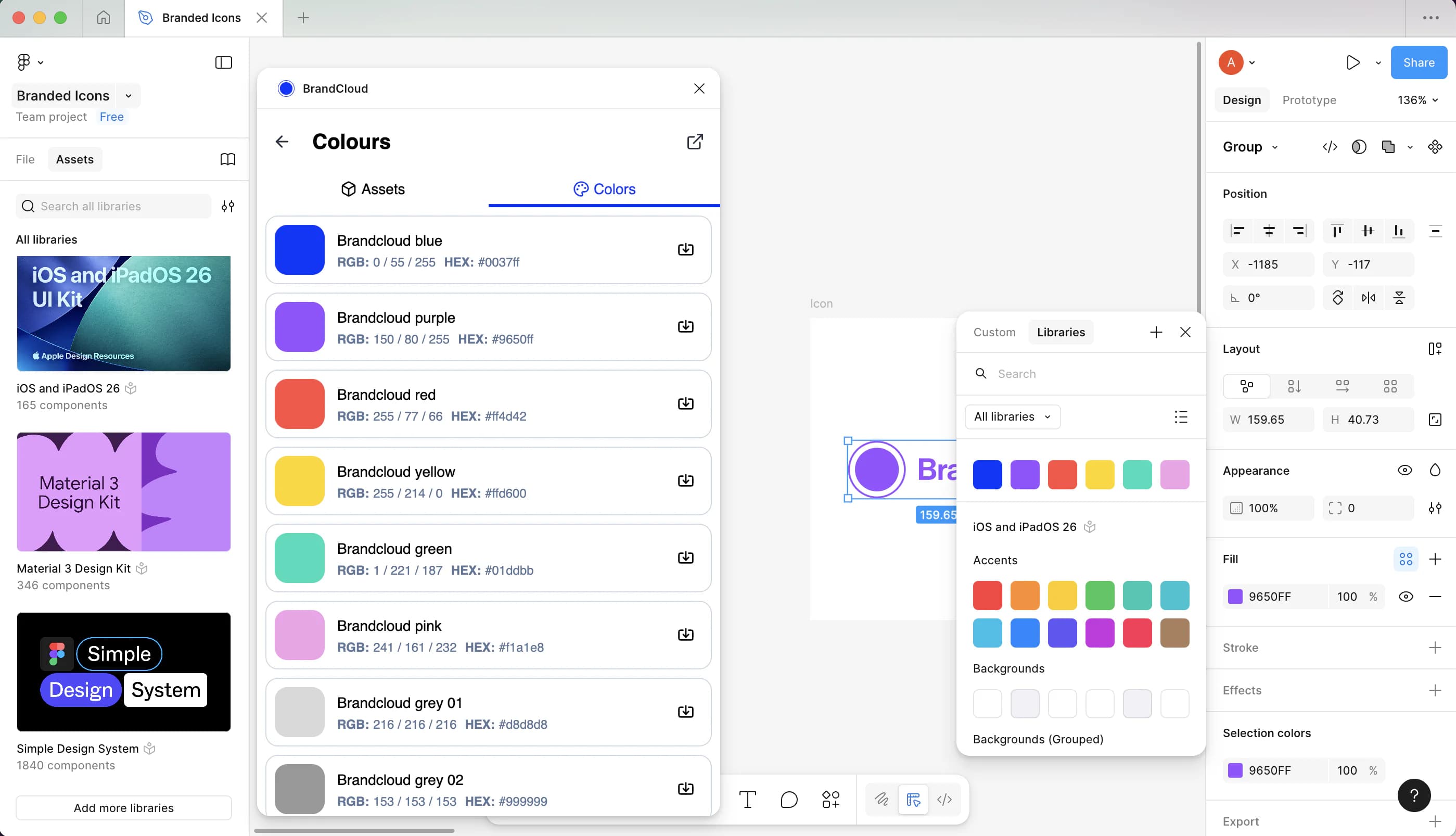
9. Among other things, you can also directly use the colors you have defined in BrandCloud in your design. When clicked, it gets automatically added to your Colours library.
Supported assets
Figma supports the following types of assets and files from BrandCloud.
Supported elements:
- file
- color palette
Supported formats:
- PNG
- JPG
- GIF
- SVG
Link to the plugin
You can click here to learn more about the plugin and how to use it: https://www.figma.com/community/plugin/1573725613714397067