Adding to Favourites
Star Items
You can star any content to mark it as a favourite and access it more easily. Once you star an item, it appears on the home page under the Starred tab. This tab is created automatically when you star your first item.
How to star content
- In the tile structure, locate the folder or smartpage you want to star.
- Hover over the tile.
- Select the Star icon located below the three-dot menu in the lower right corner.
- The item will be added to your starred content and can be accessed without navigating through the structure manually.
How to star multiple items at once
- Click the circle in the upper right corner of each tile you want to star.
- In the right column, select Star item.
- All selected items will be added to your starred content.
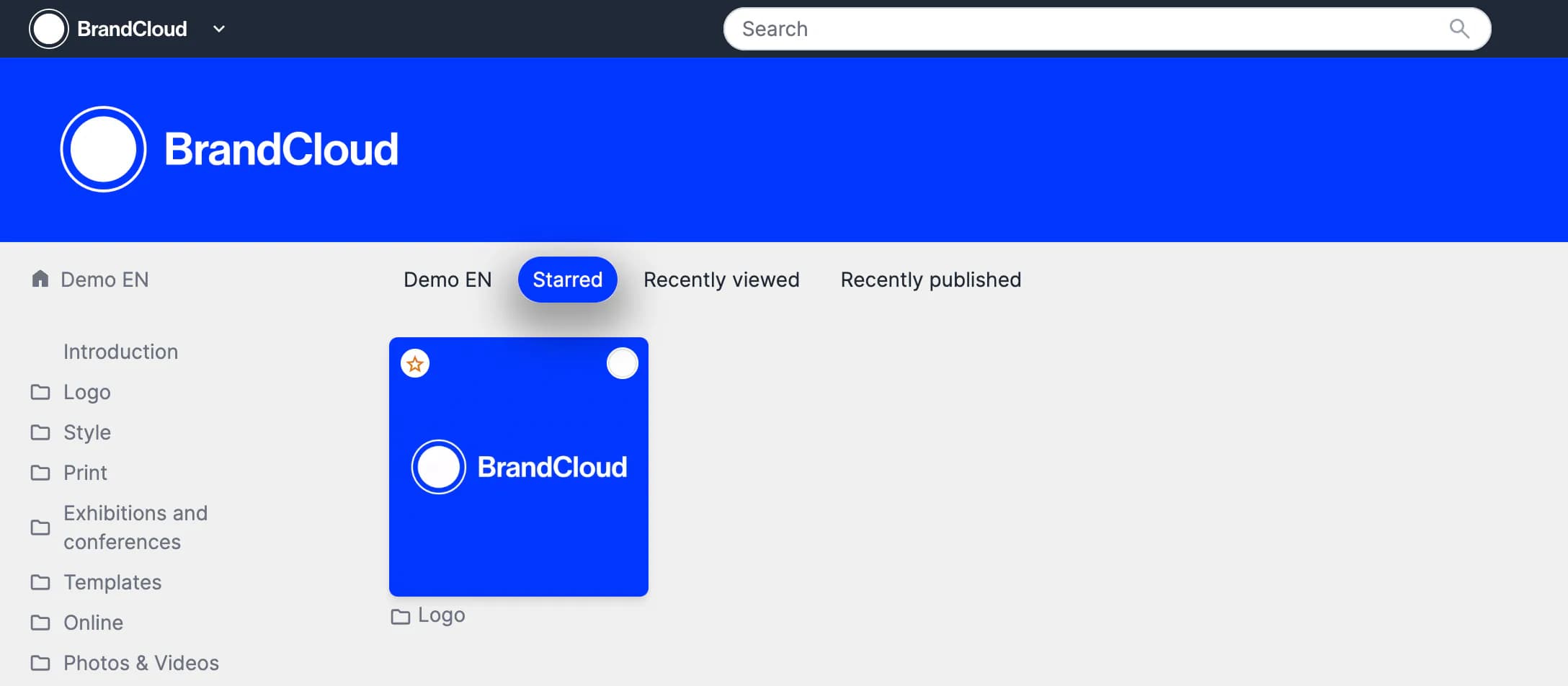
Preview of the Starred section and example of marking a tile as a favorite with a star