User
Switching between BrandClouds
If you are a member or administrator of multiple BrandClouds, you can switch between them without entering the URL manually.
Where to find BrandClouds
Select the arrow next to the logo in the top-left corner of the repository.
Choose the BrandCloud you want to access from the list.
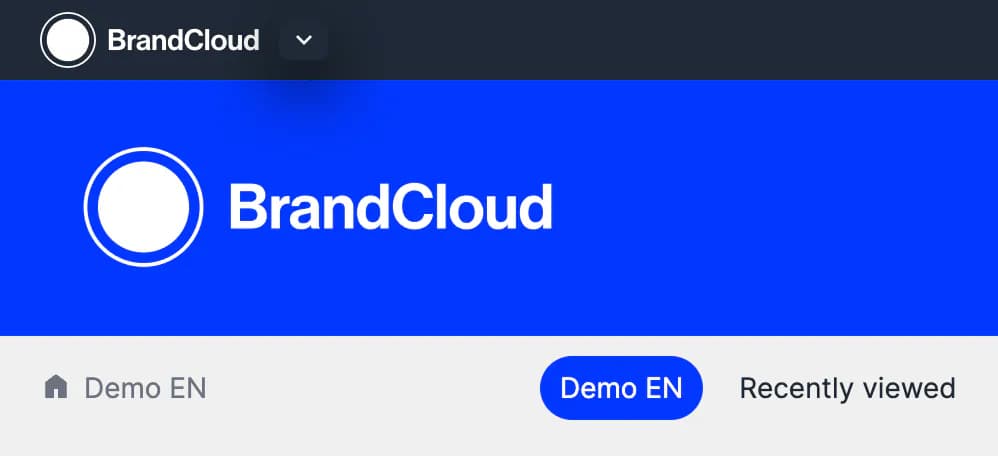
The arrow next to the logo allows you to view the BrandClouds where you have set access.
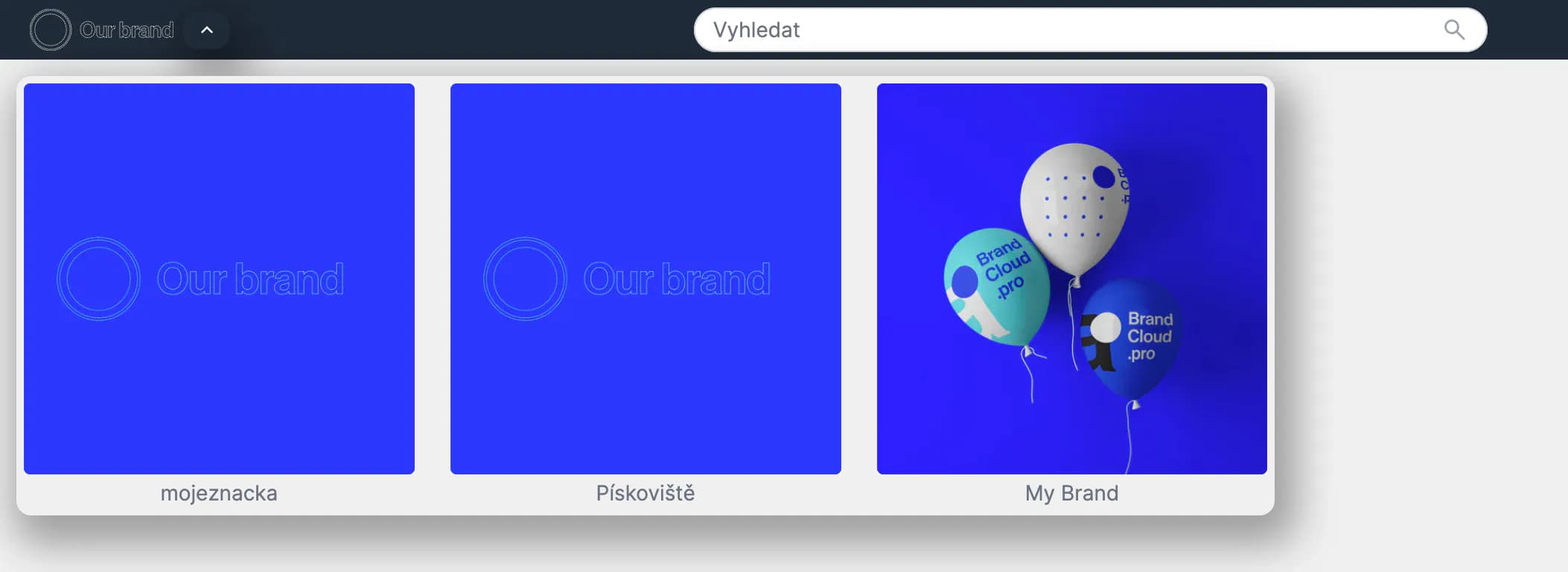
You then select where you want to move to and click the required BrandCloud to be redirected to it.