E-shop
E-shop Settings
You can configure the e-shop to match your operational needs. Access the settings in the left panel under the Orders tab.
What you can configure
- Set additional fields (mandatory or optional) for the information you require.
- Enable or disable extra fields for notes, addresses, and other options.
- Add custom text displayed below the order note.
- Select the currency used in the e-shop.
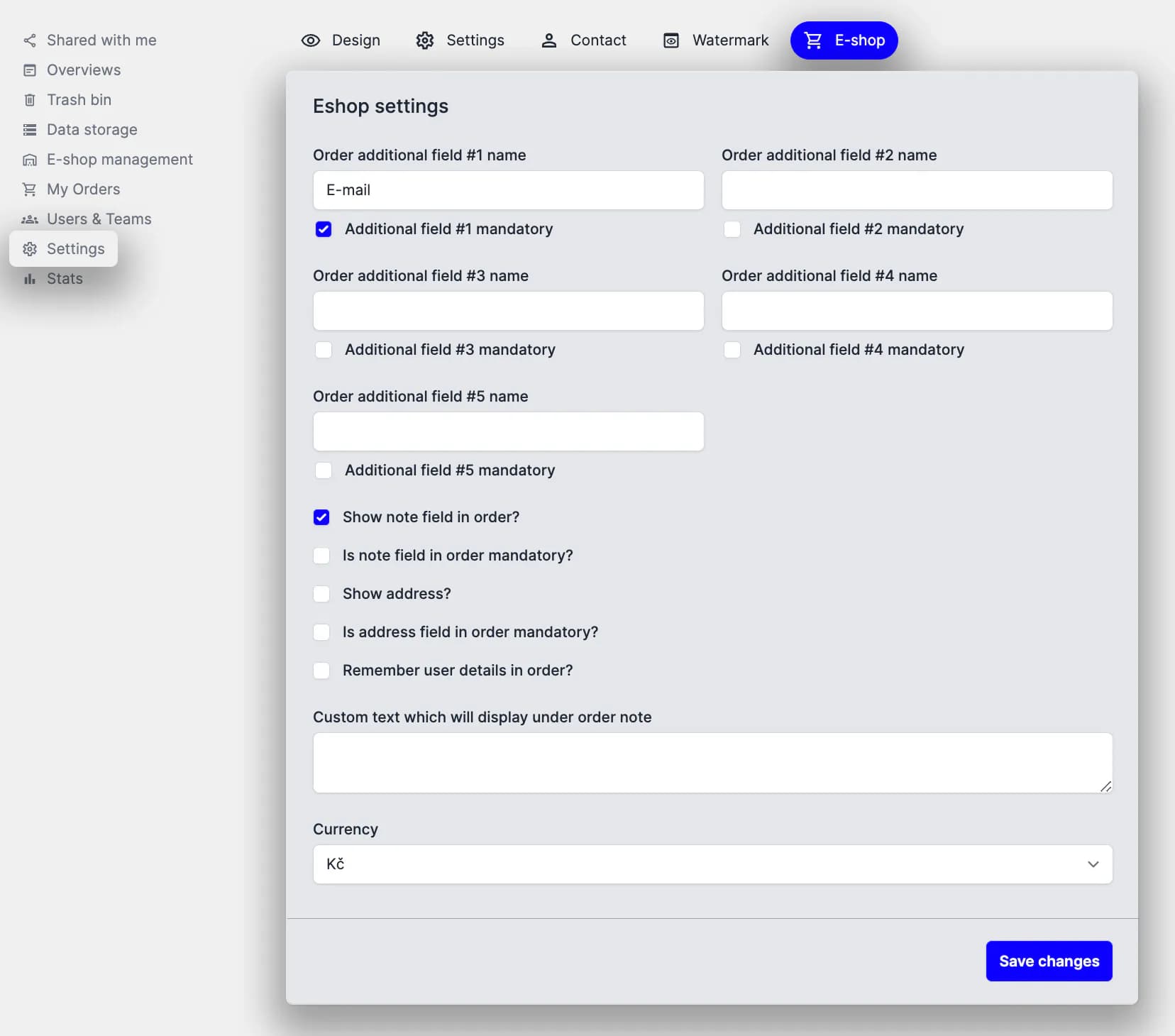
Preview of the e-shop settings section
Tutorial
How to set up ordering (05:10)