Personalising the Platform's Appearance
Sorting and Displaying Content
You can sort and display content in different ways across the platform. Two display modes are available, and sorting options vary by section.
Sorting options
In the structure
- Alphabetically
- According to your custom structure

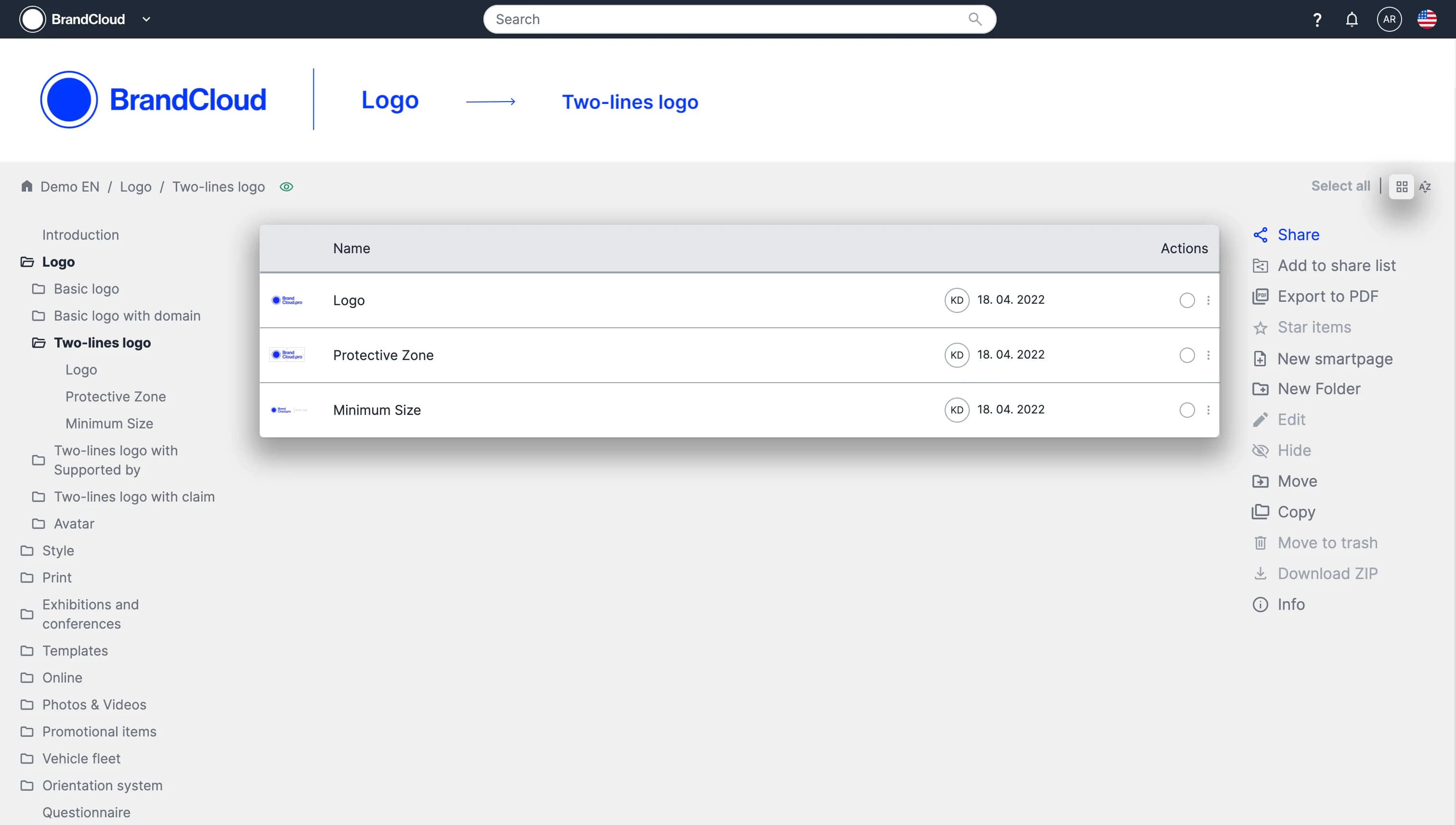
The switch can be found in the top right corner
In data views (Overviews, Statistics)
You can sort records by selecting a column header. The list is sorted by the chosen parameter, such as:
- Date
- User
- Validity
- Document
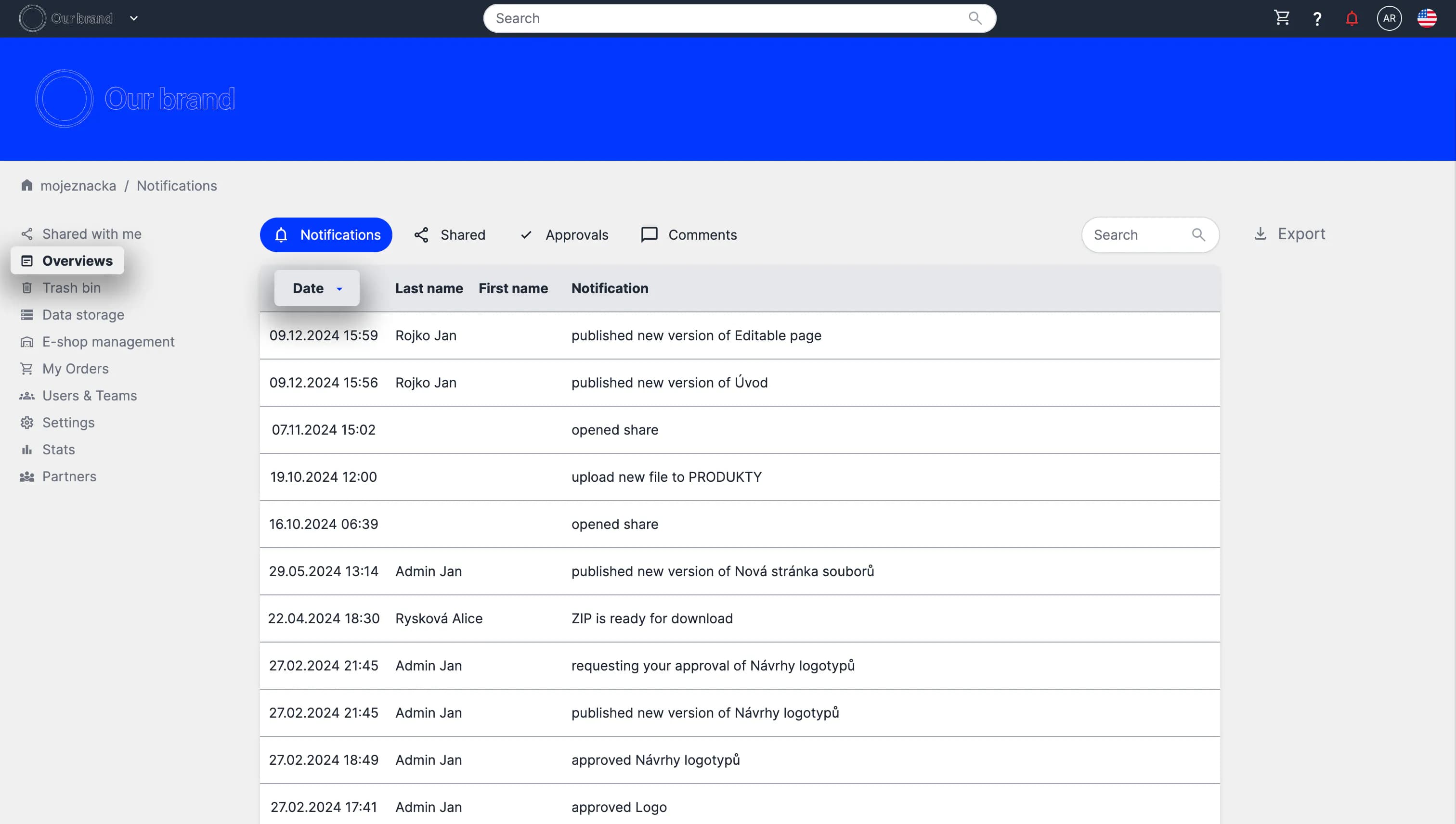
Example of sorting records by date
Display types
You can choose between two display modes:
- Tile structure
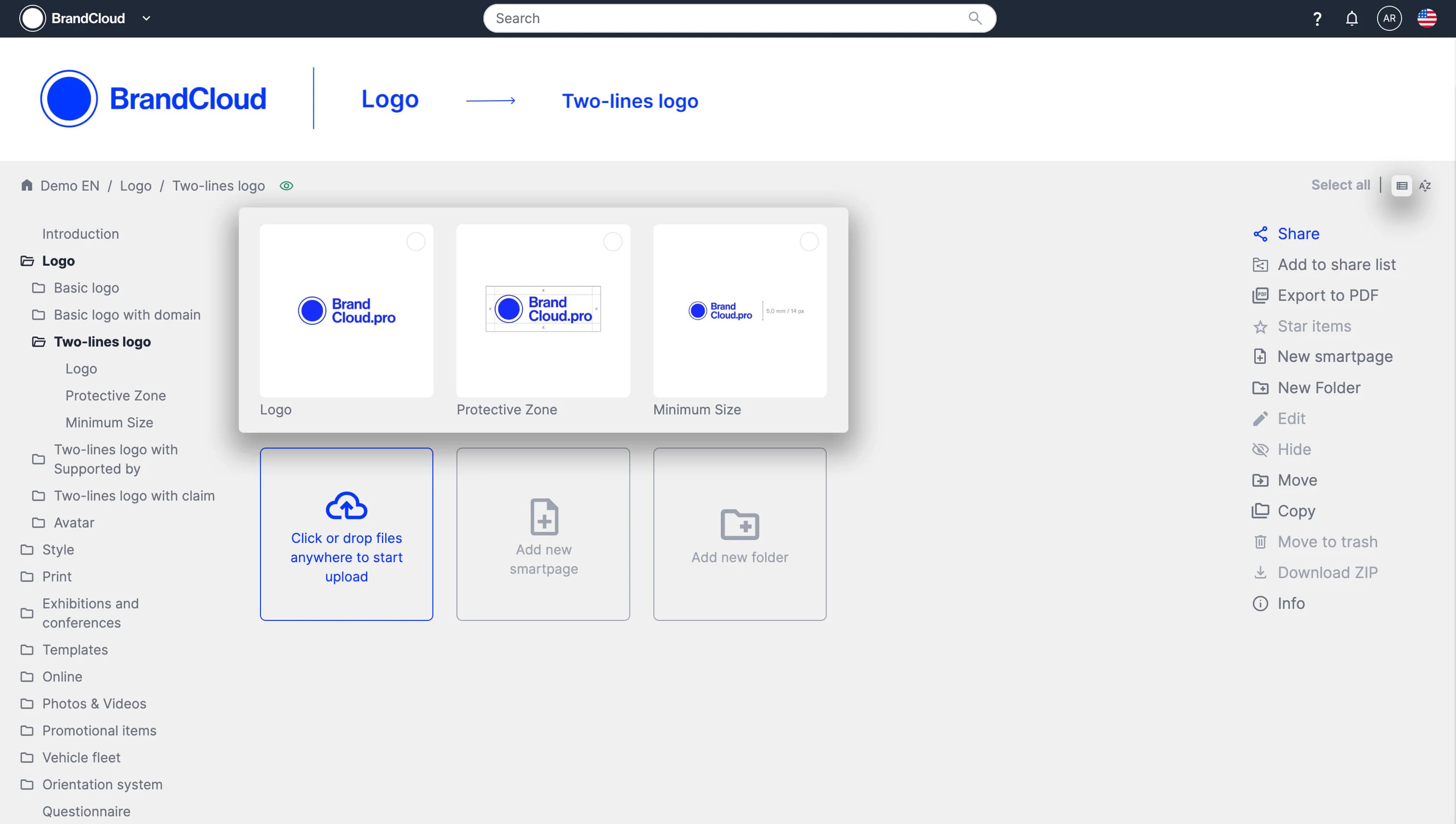
- List