Personalising the Platform's Appearance
Settings Section
In the Settings section, you can configure the platform’s appearance and manage core options related to user passwords, platform behavior, and user notifications.
Tabs in settings
Design
Use this tab to define the visual appearance of the platform.
Settings
Configure password requirements, platform behavior, and notification options.
Contact
Specify the contact details displayed in the footer of the application (e.g., technical support, content manager).
Watermark
Set the watermark used across the platform.
Users who have an active e-shop in the platform also see an Orders tab, where they can manage the order structure.
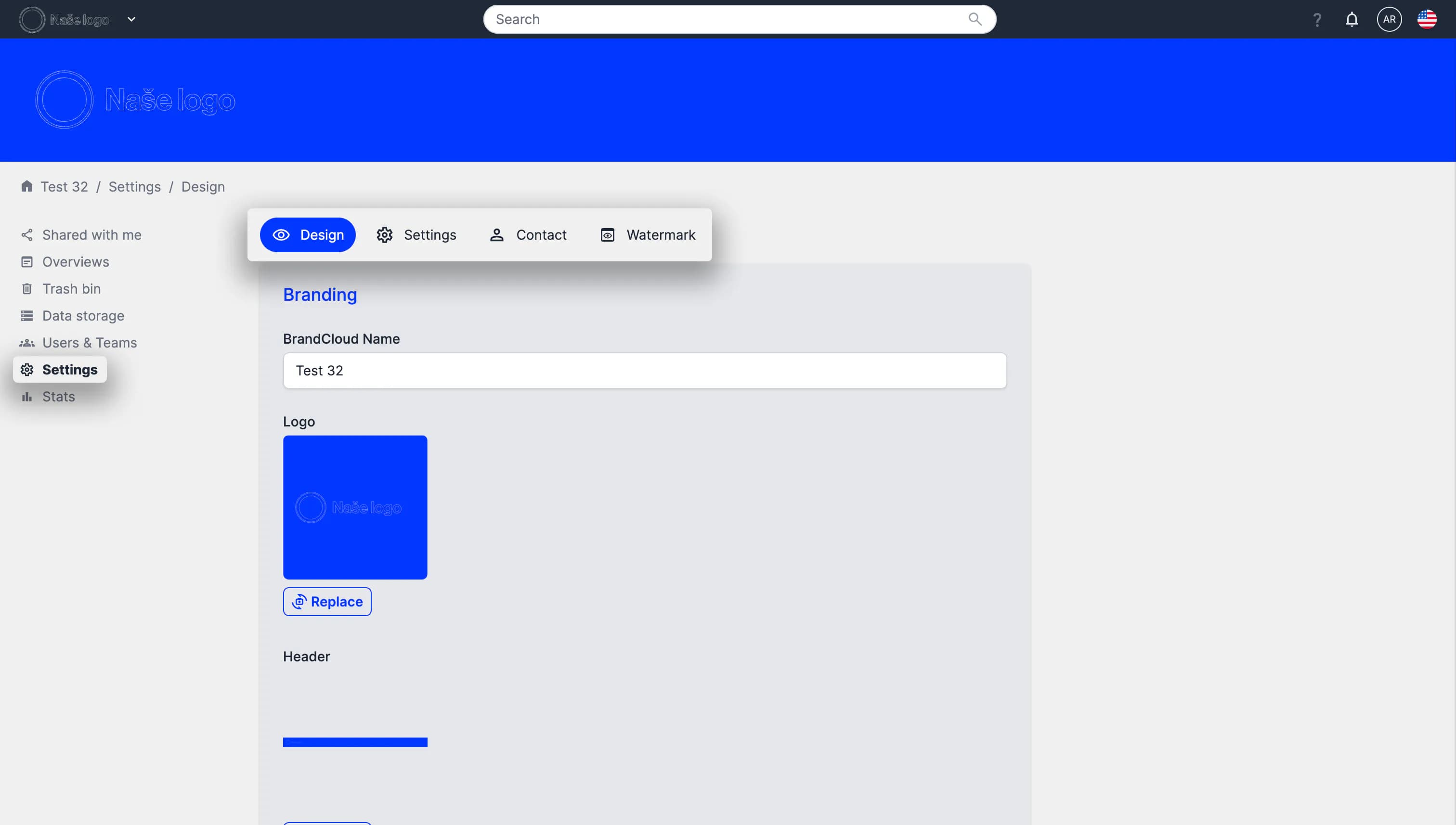
Preview of the Settings section