Integrations
PowerPoint Integration
You can use the integration with PowerPoint if you work in the Microsoft environment and need to access files stored in BrandCloud. With this integration, you can edit presentation templates with just a few clicks. What's more, there's no need to download and re-upload files—you can access them directly from PowerPoint.
How to connect the platforms
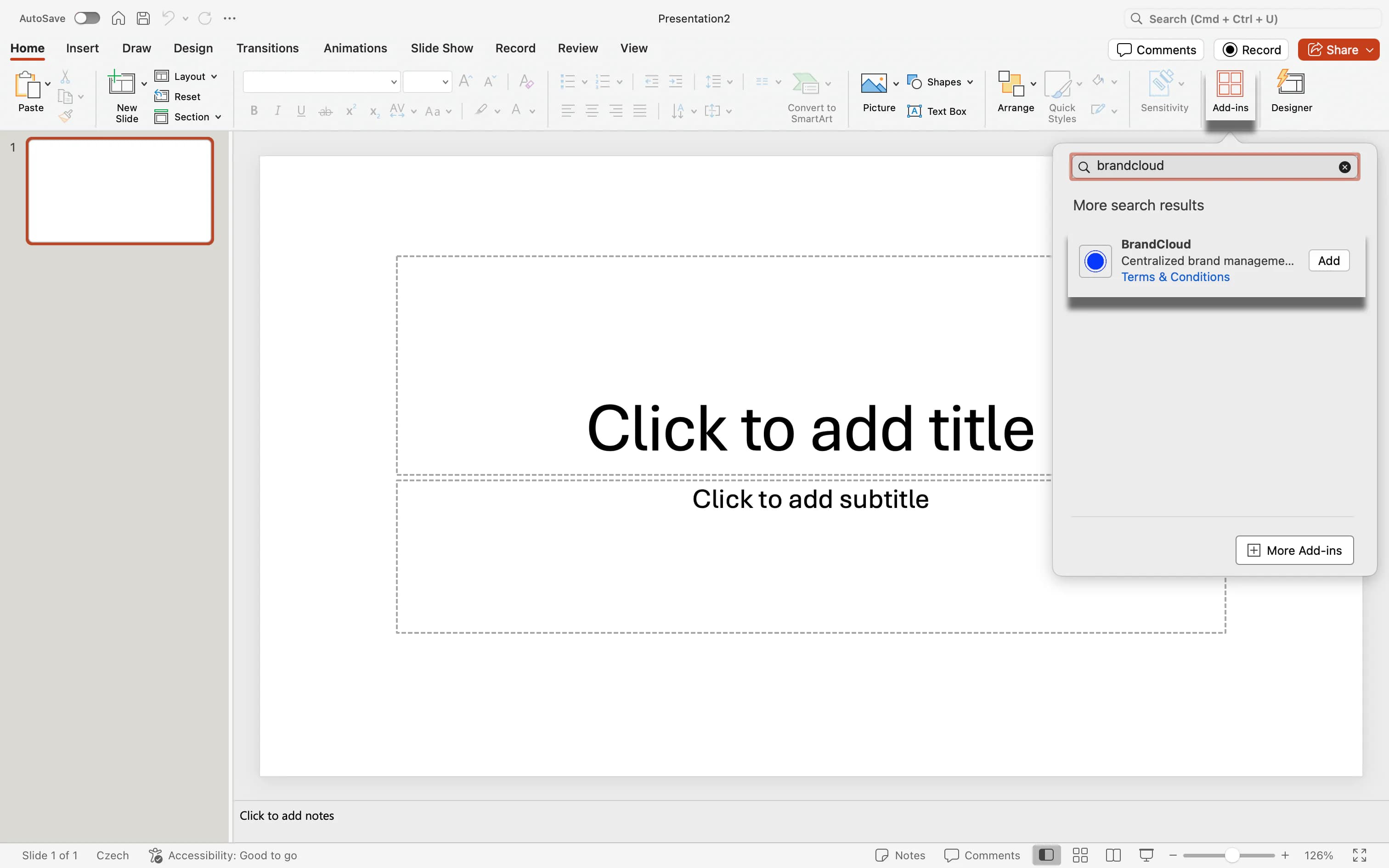
1. Login to Powerpoint and go to Add-ins.
2. Search BrandCloud and add it.
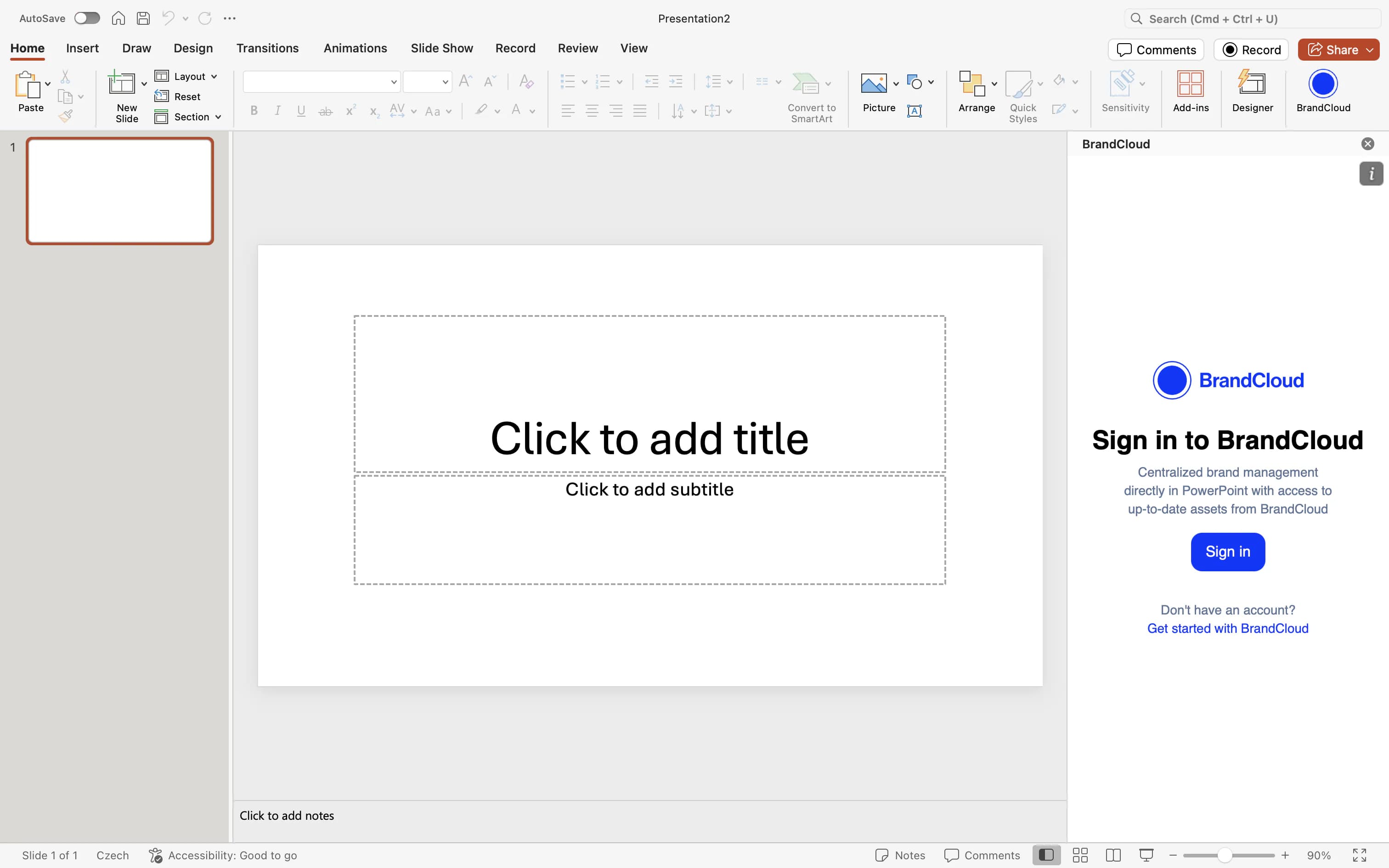
3. Login to your BrandCloud account.
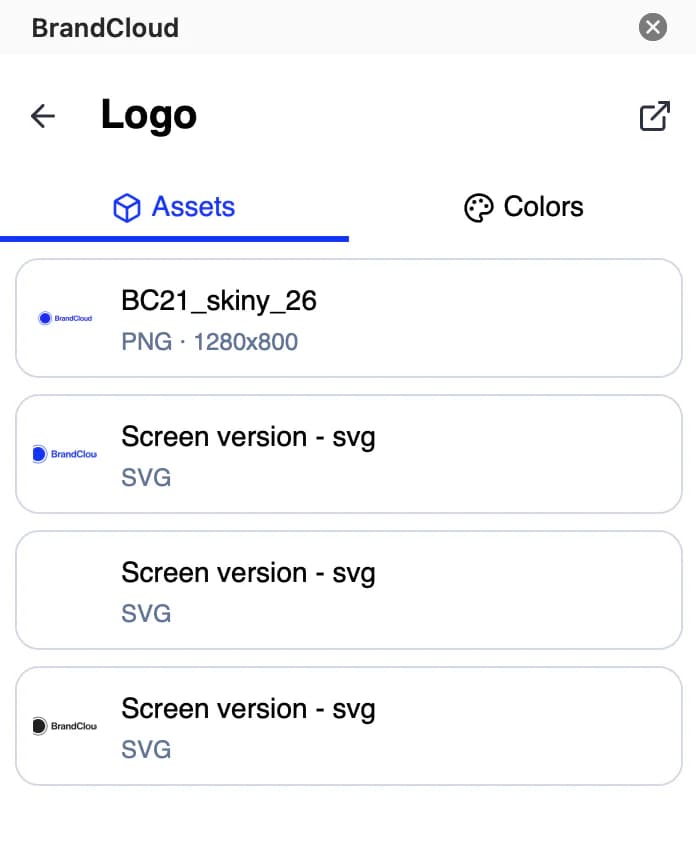
4. You can now upload presentation templates and images from the structure that you want to include in your presentation.
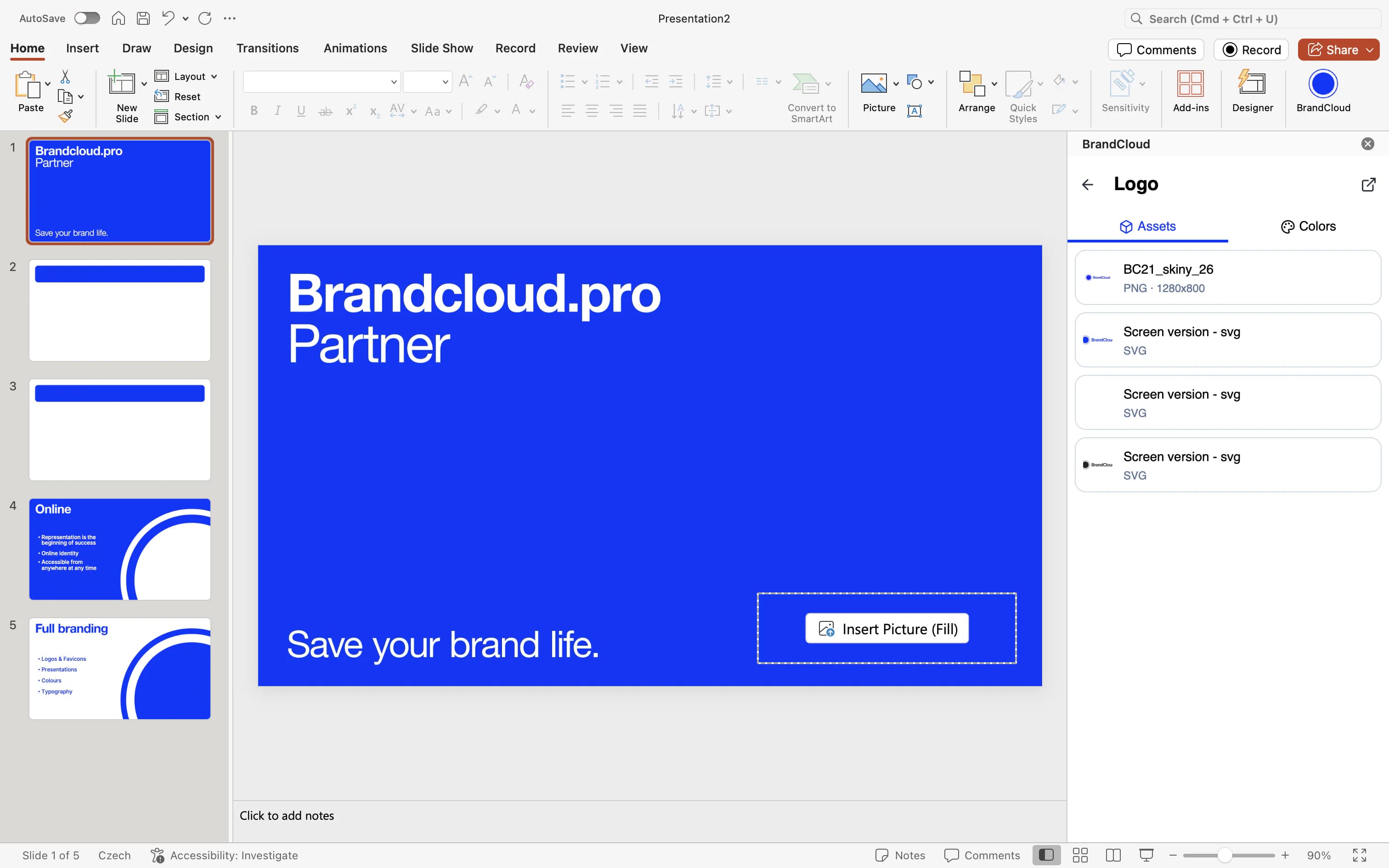
5. In the upper-right corner, you can also click to access the BrandCloud structure, where you can read information about the content you’re uploading.
💡 Tips:
- If you use multiple BrandClouds, you can switch between them by clicking the three-dot icon in the upper-right corner.
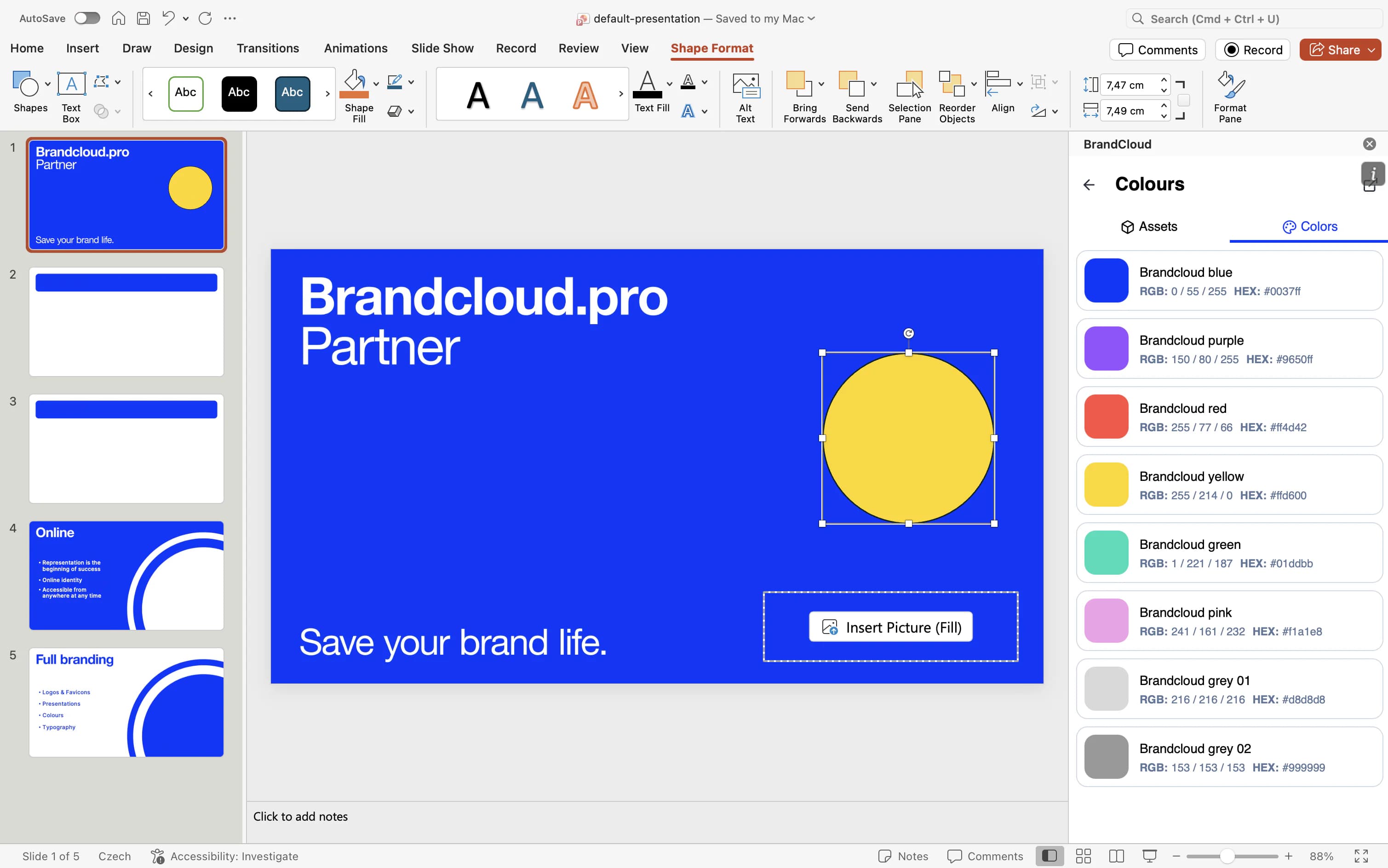
- If you have colour palettes in your BrandCloud, you can use them to apply colours to the elements on a given slide.