Companies today rarely struggle with a lack of content. More often, the challenge is ensuring that the right content reaches the right people at the right time.
Marketing teams may be using a different version of a presentation than the sales department, external agencies may be working with outdated logos, and approval processes often get buried in lengthy email threads. In these situations, the issue is not the content itself but how it is managed.
This is why organizations are paying closer attention to how digital assets are created, approved, and distributed. A DAM workflow establishes clear rules for the entire content lifecycle and helps teams collaborate more efficiently throughout the process.
What Is a DAM Workflow?
A DAM workflow is a sequence of connected steps that defines how digital assets are created, approved, organized, and used across an organization.
While a Digital Asset Management (DAM) system serves as a central repository for content, the workflow determines how individual assets move through the organization. It clarifies responsibilities and ensures that content progresses smoothly from creation to publication.
Without a defined workflow, organizations often face duplicate files, confusion over asset versions, and lengthy approval processes. The more people involved in working with content, the more important structured processes become.
The Lifecycle of a Digital Asset
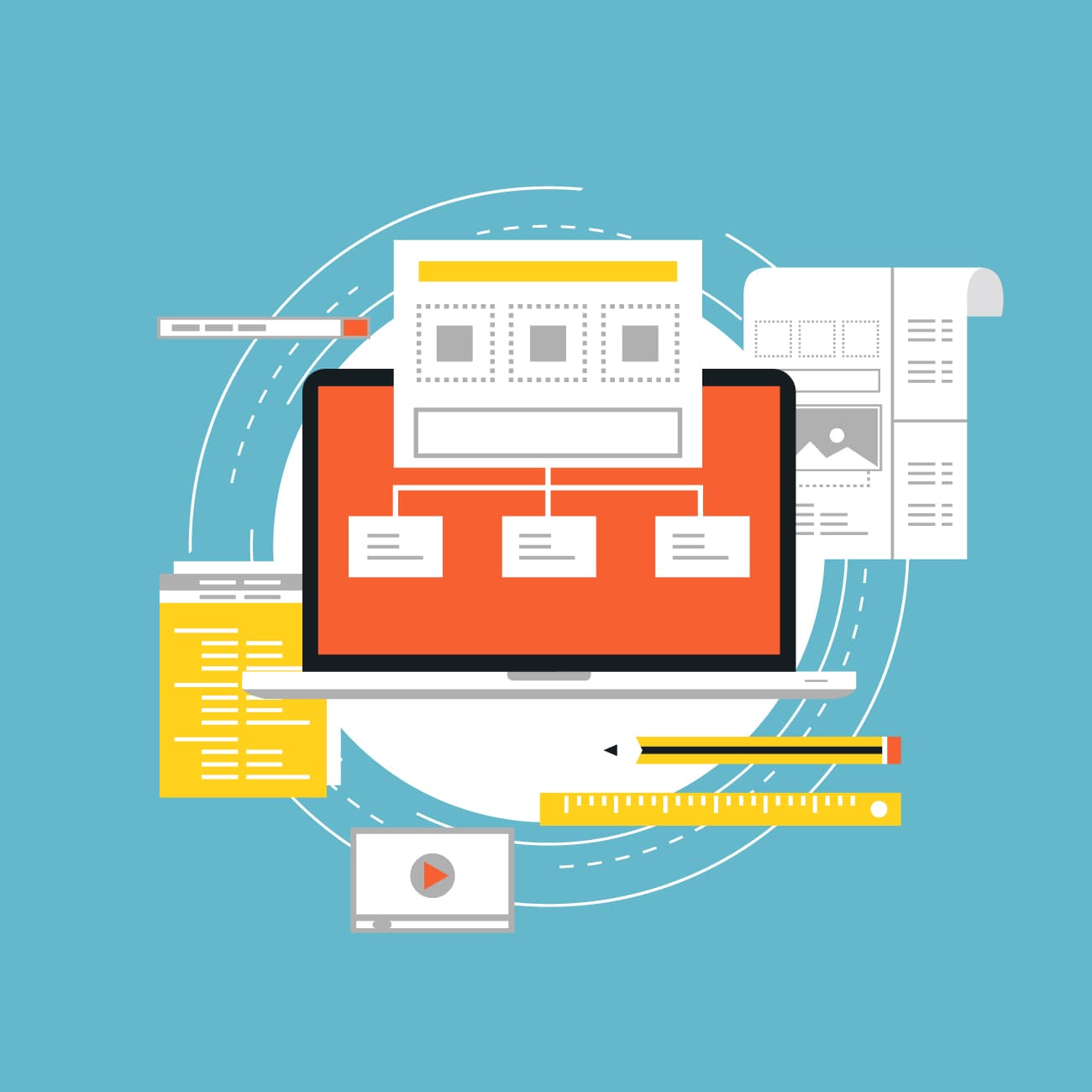
Every digital asset goes through several stages. Whether it is a product image, banner, video, or presentation, the overall process follows a similar pattern.
The lifecycle begins with content creation. The asset is then uploaded to the DAM system, where metadata, categories, and other information are added to support searchability and management.
The next stage is approval. Marketing teams, brand managers, product specialists, or legal departments may all be involved in reviewing the asset. Once approved, it can be distributed across websites, social media channels, e-commerce platforms, and other business systems.
The final stage is archiving or removing outdated content. This helps prevent obsolete materials from remaining in the asset library and being used unintentionally.
Common DAM Workflows in Organizations
Content Approval Workflows
Approval workflows are among the most common DAM use cases. Design files, videos, and marketing campaigns often go through multiple rounds of feedback before they are ready for publication.
When communication takes place across emails and various collaboration tools, it can be difficult to track the current status of a project. DAM workflows centralize feedback, version history, and asset reviews in a single location.
Metadata Management Workflows
Finding a specific file is not always as straightforward as it seems. This is why metadata plays an important role in DAM workflows.
Assets can be automatically tagged based on product, campaign, market, language, or content type. As a result, teams can quickly locate the materials they need, even within extensive asset libraries.
Metadata also helps organizations manage licensing information, copyright details, and asset expiration dates.
Content Distribution Workflows
Once an asset has been approved, it needs to reach the teams and platforms that will use it.
In many organizations, this is still a manual process involving file downloads and uploads across multiple systems. DAM workflows streamline distribution through automation and integrations.
Approved assets can be delivered directly to content management systems, e-commerce platforms, marketing tools, and partner portals.
Version Control Workflows
Presentations, product materials, and brand assets often exist in multiple versions. Without clear version control, teams can easily end up using outdated files.
DAM workflows help track changes and ensure that users always work with approved, up-to-date assets. This becomes particularly important in organizations where both internal teams and external partners have access to content.

How DAM Workflows Support Brand Consistency
A consistent brand is not built solely through brand guidelines. It also depends on ensuring that everyone uses the same approved materials.
When different teams work with different versions of logos, presentations, or product images, the brand experience becomes fragmented. In larger organizations, this challenge grows with every new market, campaign, or external partner.
DAM workflows help ensure that only approved assets are distributed and used. They also make it possible to define user permissions and control who can edit, approve, or publish content.
The result is greater control over how the brand is presented across all channels.
Automation as a Path to More Efficient Content Management
Many tasks involved in digital asset management are repetitive by nature. These include assigning assets for approval, notifying stakeholders, enriching metadata, and distributing content across systems.
Automation helps accelerate and standardize these processes. Teams spend less time on administrative tasks and more time on work that drives projects forward.
At the same time, organizations gain better visibility into where assets are in the workflow and who is responsible for them at any given stage.
How to Know If Your Organization Needs a DAM Workflow
If employees struggle to find the right files, approval processes take longer than expected, or different teams use different versions of marketing materials, the problem often lies not in the content itself but in the underlying processes.
A well-designed DAM workflow provides clear rules for managing digital assets from creation to distribution. BrandCloud helps centralize content, streamline approval processes, and ensure that everyone works with the latest approved materials.
A DAM system is more than a file repository. Its greatest value comes when it becomes part of everyday business processes, connecting people, content, and the tools organizations rely on.