
Digital documents have long been perceived as a final output. Something you create, save, and share. However, this perspective is gradually changing. A document is no longer just a static file — it is becoming an active tool.
Adobe has been systematically integrating artificial intelligence into document workflows in recent years. This is not about adding minor features. It represents a shift in the very logic of how work is done. PDF is no longer just a format; it is becoming an environment where information can be searched, interpreted, and further utilized.
The question is: what changes when a document starts functioning as an intelligent interface?
Document as an Interface, Not a File
In the past, a document had to be opened and reviewed step by step. With longer materials, this required a time investment that often did not reflect the actual value of the information inside. Today, documents can be approached differently.
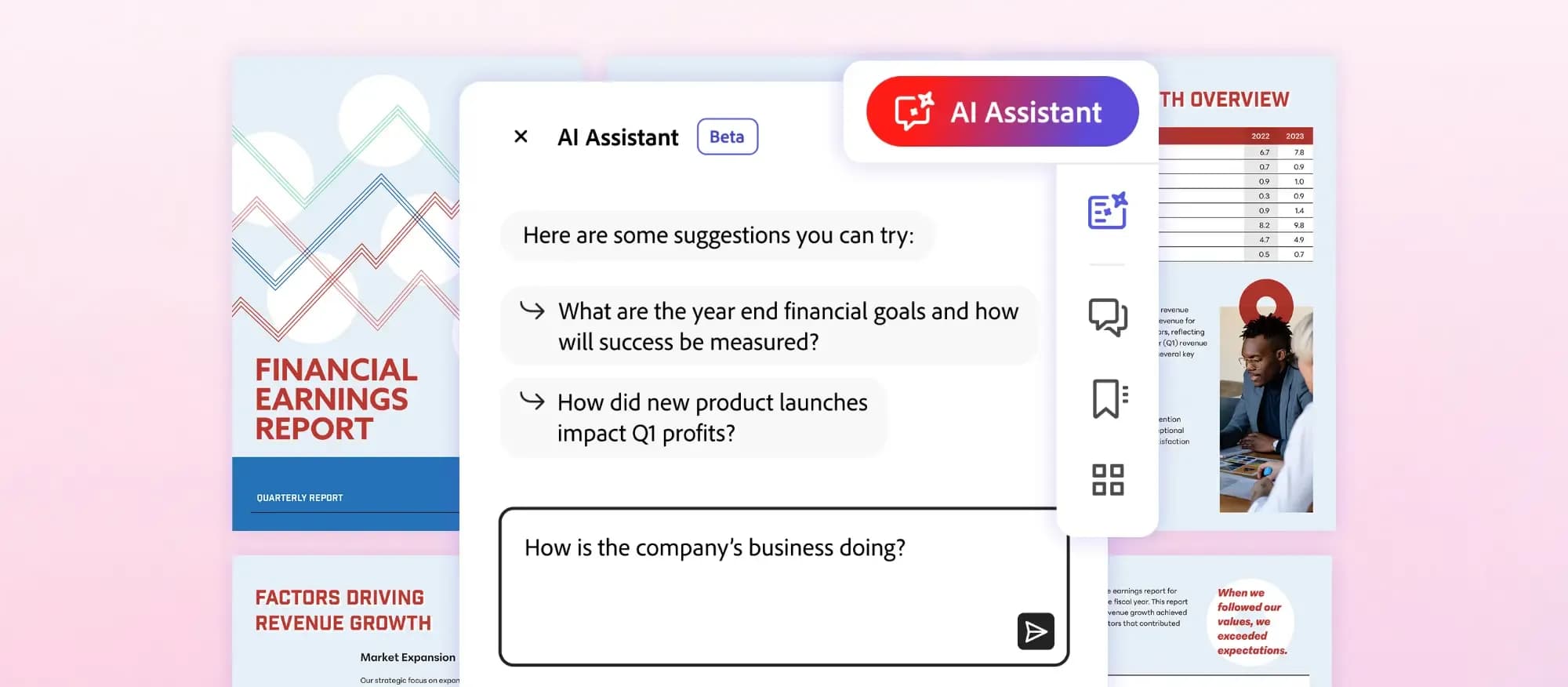
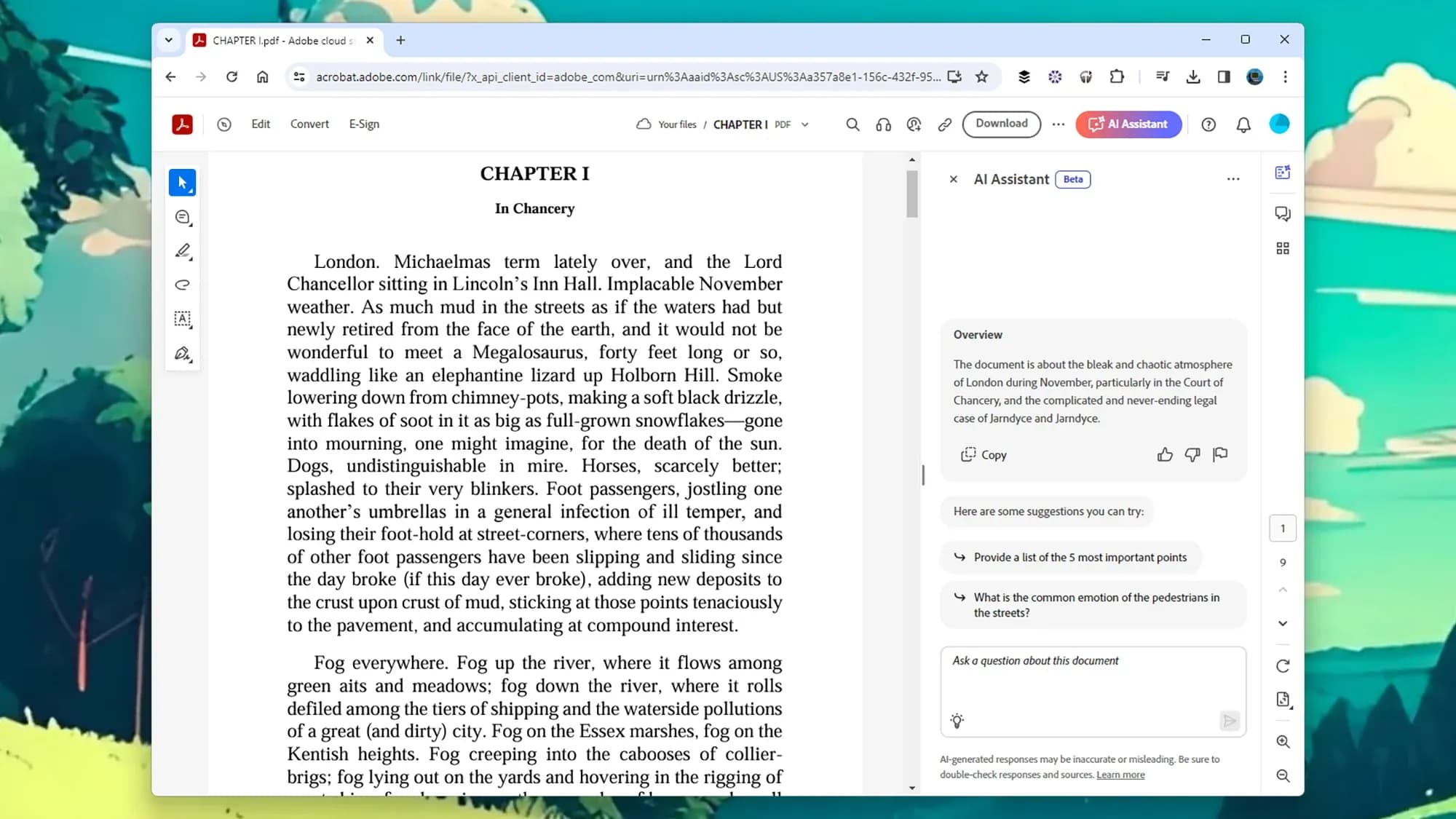
AI enables users to ask questions directly within the content. Answers are generated based on context, not just keyword occurrence. Within seconds, it becomes possible to get an overview of the main points, identify key information, or receive explanations of more complex sections.
The document is no longer linear. Information is not read sequentially but retrieved purposefully based on immediate needs.
Automation That Makes Sense
Companies today handle a large volume of documents, including invoices, contracts, and reports. A significant portion of the work associated with them is repetitive and administrative.
AI leverages optical character recognition and machine learning to not only read documents but also interpret them. Relevant data such as numbers, dates, or entity identifiers are automatically extracted, while documents are simultaneously categorized and organized.
This process is not static. The system continuously improves based on usage and adapts to specific environments and document types.
The result is clear — administrative workload is reduced, and data accuracy increases.
Source: Adobe Blog
How AI Actually Works with Document Content
A large portion of enterprise data exists in unstructured formats, such as emails, PDFs, or internal notes. Traditional approaches were limited to simple keyword-based search.
AI expands this capability. Text is analyzed on a semantic level, entities and relationships are identified, and connections across documents are discovered. The result is semantic search, which allows relevant answers to be found even when queries do not match the exact wording in a document.
This enables more effective use of data that was previously difficult to access. Documents are shifting from passive storage toward active knowledge tools.
AI as an Assistant in Document Creation and Review
AI is also becoming involved in the creation of documents. Text is refined, clarified, and simplified, while summaries are generated automatically.
In tools from Adobe, collaboration is also evolving. Comments from multiple users are automatically grouped, recurring feedback is highlighted, and the overall review process becomes more transparent.
This reduces the number of parallel document versions and improves communication between stakeholders.
Source: LifeHacker
Brand Consistency in AI-Generated Content
As AI adoption grows, the need for structured content governance becomes more important. Documents are no longer created solely by hand; they are partially generated, which can lead to inconsistencies.
Differences may appear in language, structure, and visual presentation. This issue is addressed through content centralization and clearly defined rules.
BrandCloud enables the management of templates, visual assets, and text patterns that AI builds upon. Automation then operates within a controlled environment, ensuring outputs remain aligned with brand identity.
Without this level of control, fragmentation of outputs would occur, gradually weakening communication consistency and credibility.
Practical Use: How to Apply AI in Document Workflows
Effective use of AI in document workflows requires a structured approach. Simply enabling new features is not enough — the way documents are handled must also evolve.
- focus on a specific, time-consuming process
- establish a consistent document structure and templates
- define which tasks are automated and which remain human-driven
- connect documents with other systems
- continuously evaluate output quality
This approach allows organizations to leverage AI while maintaining control over content.
Where Documents Are Heading
Documents are shifting from static files to dynamic tools. This transformation is changing how information is handled and what users expect from it.
Adobe clearly defines this direction. A document is no longer seen as a final output but as an interactive space connected to other tools and data.
The most significant change is not purely technological. It lies in how documents are perceived — no longer as closed outputs, but as active components of a broader workflow.