Canva has found a firm place in the daily practice of many people who need to prepare visual outputs quickly and clearly. Thanks to its simple interface and wide range of templates, it allows you to create graphics without any previous design experience. However, it is precisely this accessibility that often leads to work being limited to basic procedures and repetitive tasks.
This article focuses on specific tips that help to better structure and clarify work with Canva. These are not hidden features or technical procedures, but ways to use common tools more judiciously and with greater continuity between individual outputs.
Templates as the basis for systematic creation
One of the most effective approaches when working in Canva is to create and use your own customized templates over the long term. Once you have set the colors, typography, and basic layout, you don't have to deal with these elements again for each new design. This simplifies your work and promotes a consistent visual style.
This approach is naturally followed by duplicating pages and entire designs, which allows you to maintain the structure and only change the content. This procedure is suitable, for example, when preparing a series of posts, presentations, or printed materials, where visual continuity is of paramount importance.

How to simplify Canva controls
The clarity of your work is greatly influenced by how you control the editor itself. Using keyboard shortcuts for common tasks such as copying, aligning, or zooming in on the canvas helps simplify navigation within your design and reduces unnecessary switching between menus.
Another practical technique is searching for functions directly from the keyboard, which replaces manual menu browsing. This way of working is clear and allows you to focus more on the content itself than on the technical control of the tool.
Image editing and working with design elements
Graphic outputs often rely on working with image material. Quick cropping of images directly in the design allows you to flexibly adjust the composition without the need for additional software. Canva offers sufficient options for everyday use in this regard.
When placing objects, automatic alignment using guide lines has proven useful, helping to maintain the visual balance of the design. This is followed by **grouping elements into units**, which allows you to work with multiple objects as a single unit. This procedure increases clarity, especially for more complex layouts.
Consistency of outputs and working with source materials
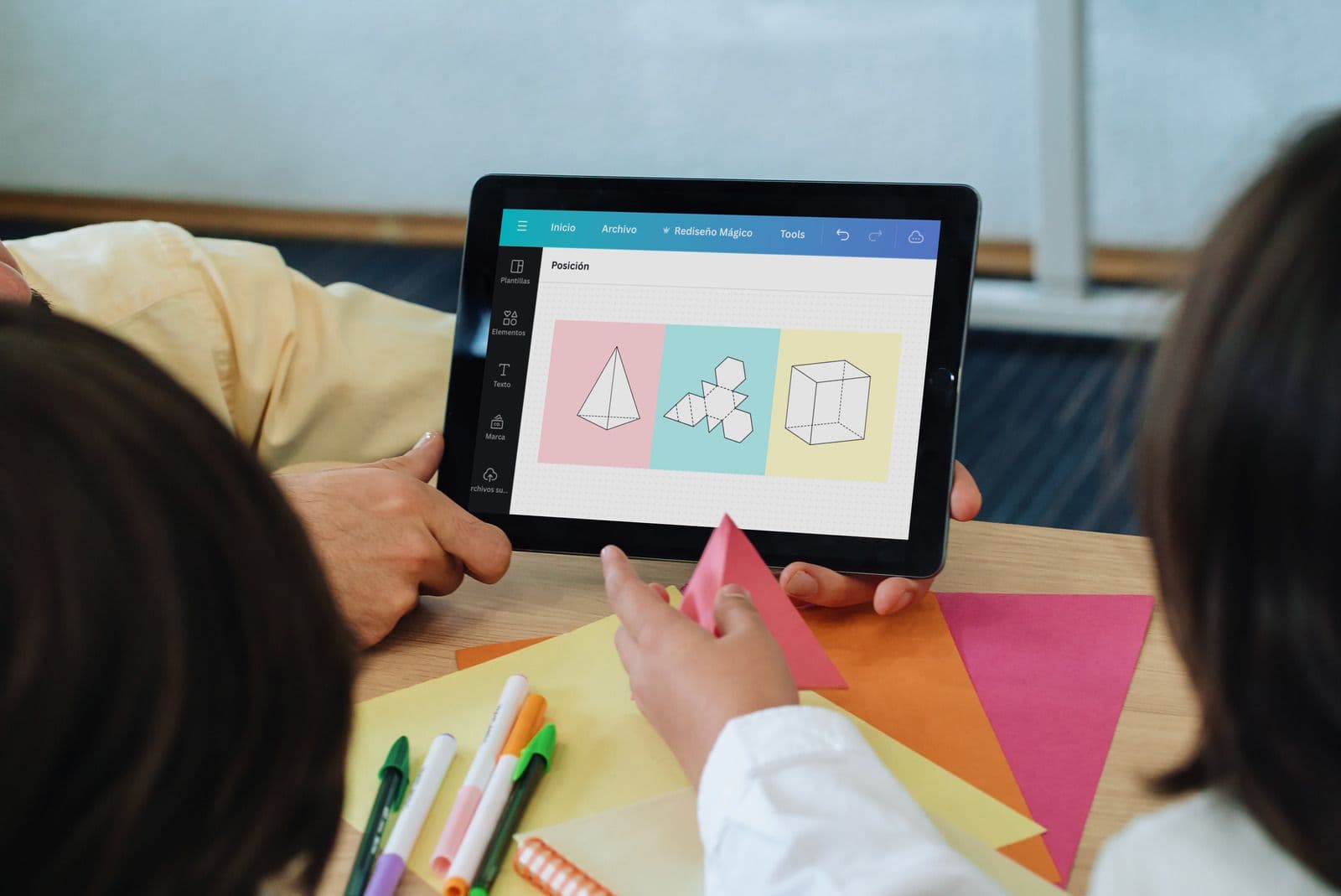
A consistent appearance of outputs is sustainable in the long term if visual rules are set in advance. Working with styles, i.e., saved colors and typography, allows you to maintain consistency across different designs without having to repeatedly check details.
When working in a team, it is useful to use comments directly in the design, which make feedback clearer and facilitate orientation in the edits. This method of communication reduces the risk of misunderstandings and promotes smoother collaboration.
The entire process is complemented by Canva's integration with BrandCloud, which allows you to work with approved brand materials directly in the editor. Canva thus naturally integrates into a broader content management system and supports visual identity consistency. At the same time, it simplifies navigation through the materials and reduces the scope for ambiguous interpretation of the rules for their use.
Canva as part of everyday work
Working with Canva can be clear and sustainable in the long term if it is based on well-thought-out procedures and a clear structure. The use of templates, a consistent visual style, clear editing, and properly prepared materials allows you to focus on content and communication rather than technical details. Combined with tools for managing branded materials, Canva becomes part of a comprehensive work environment that promotes consistency and clarity in visual communication across the entire team.