Today, digital design is based on a combination of creativity, technical proficiency, and thoughtful tool selection. For graphic designers, marketers, and content creators, the question of which software to use is not just a technical detail, but a decision that affects the efficiency of their work, costs, and the long-term sustainability of the entire workflow. That is why Adobe Photoshop and Affinity Photo are increasingly being compared as two different approaches to working with raster graphics.
Both tools are used for photo editing, creating visuals, and working with graphics for online and print media. However, they differ in their philosophy of use, range of functions, and economic model. The following text offers a clear and understandable comparison that will help you understand their practical use and place them in the broader context of digital design and branding.
How to work and navigate in the application
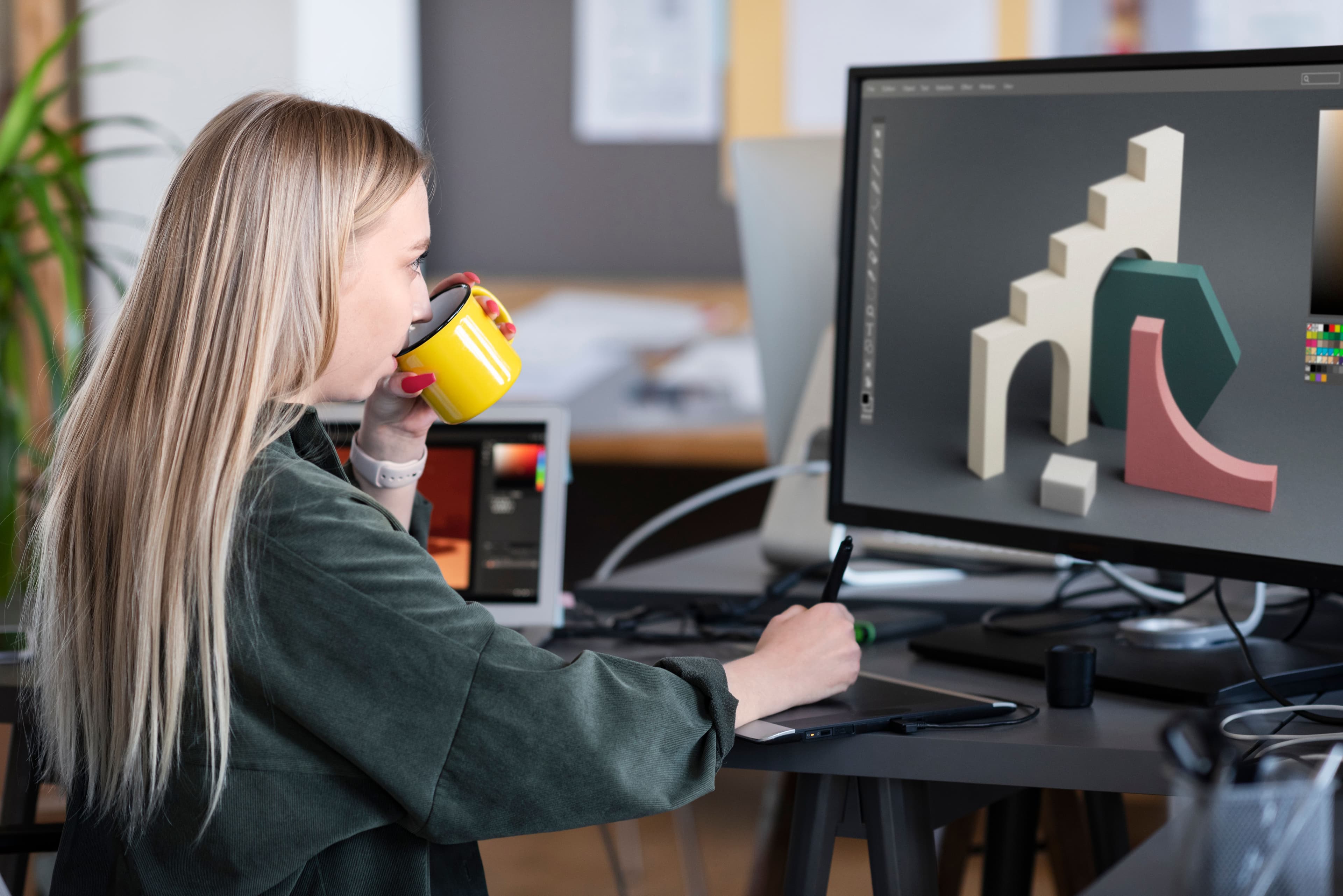
One of the first differences users will notice is the control method and overall interface layout. Photoshop is based on long-term development, and its environment meets the needs of professional work with a very wide range of tools. It offers extensive settings options, work with multiple panels, and a high degree of workspace customization. This will be especially appreciated by experienced graphic designers who work on complex projects and have precisely defined workflows.
Affinity Photo takes a different approach. The interface is divided into work modes according to the type of activity, such as photo editing, retouching, or working with layers. This makes the environment clearer and allows users to focus better on specific tasks without unnecessary visual clutter. This concept makes it easier to navigate and reduces the time needed to learn the basic functions, which will be appreciated by people who are new to digital design or use it as one of several work disciplines.
Scope of functions and working with images
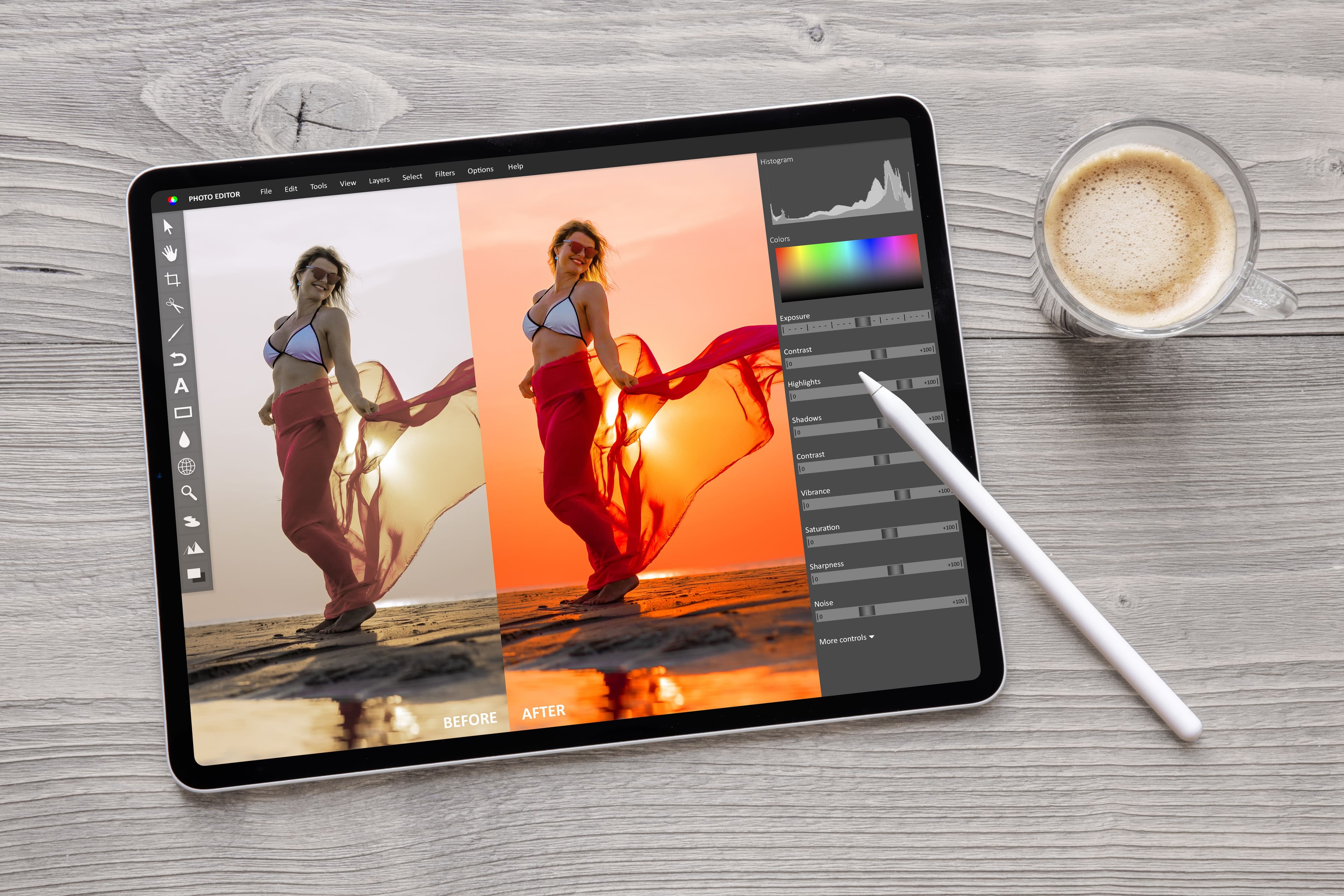
Photoshop has long been considered a universal tool for working with raster graphics. It allows advanced work with layers, masks, and color adjustments, as well as the use of smart objects. These objects allow you to edit content repeatedly without losing quality, which is useful, for example, when creating mockups or working with high-resolution photos. Automated tools that speed up common edits and retouching are also an important part of the program.
Affinity Photo offers a functional foundation that covers most digital design needs in practice. It allows for detailed retouching, working with high color depth, and support for professional formats used in graphic design. Although it does not offer such a wide ecosystem of additional tools, it provides a stable and fast environment for creating visuals for the web, social networks, and marketing materials in everyday work.
Cost and long-term sustainability of the tool
A significant difference between the two applications is the licensing model. Photoshop works on a regular subscription basis, which includes ongoing updates and access to other services within the Adobe environment. This model is common in agencies and larger teams where a unified infrastructure and compatibility between different applications is important.
Affinity Photo is available through a one-time license. Once purchased, the software can be used without any additional regular payments, which provides a higher degree of cost control. This approach appeals to independent creators, smaller studios, or organizations looking for a long-term stable solution without the need for monthly commitments.
Digital design as part of branding
Graphic software is only one part of the broader process of creating a visual identity. Just as important as the creation itself is how the outputs are managed, shared, and used across teams and communication channels. Without a clear system, even high-quality visuals can gradually diverge and lose their uniform appearance.
This is where tools that help keep track of graphic assets and their use across the entire organization come into play. BrandCloud can serve as a central location where outputs created in Photoshop or Affinity Photo are systematically organized and maintained in a consistent style over the long term. Graphic software and brand management tools thus become interconnected components of a single functional whole.
Who should use Affinity and who should use Photoshop
Affinity Photo is often the choice for users looking for a clear and powerful tool without regular payments. It has proven itself with independent designers, smaller teams, or those who combine digital design with other work activities and appreciate simplicity and quick learning.
Photoshop remains a powerful solution where maximum compatibility with other applications, work on large projects, and involvement in complex team processes are required. Its use is common in agency environments and larger organizations where continuity with established procedures is important.

How to think about tool selection in a broader context
The decision between Affinity Photo and Photoshop should not be based solely on a list of features or price. It is essential to consider the entire process of working with visuals, from their creation and approval to their long-term use across various outputs. The chosen tool should fit into the overall digital design and branding strategy.
Whether visuals are created in Affinity Photo or Photoshop, their true value is revealed when they are embedded in a clearly defined system. It is the combination of a high-quality graphics tool with thoughtful brand management that allows you to maintain consistency, streamline collaboration, and give digital outputs long-term meaning.