Digital content is being created faster today than ever before. Marketing teams work with dozens of versions of banners, videos, presentations, and social media visuals. And this is exactly the point where it starts becoming clear that standard cloud storage is often no longer enough.
Many companies still use Google Drive or Dropbox as their primary system for managing digital content. In practice, however, it becomes apparent that storing files and truly managing assets are two very different things.
This is where it becomes important to distinguish between CMS, DAM, and cloud storage.
CMS, DAM, and cloud storage are not the same thing
The terms CMS, DAM, and cloud storage are often confused. At first glance, all three systems work with digital content. In reality, however, they address very different organizational needs.
CMS, or Content Management System, is primarily used for creating and publishing web content. Typical examples include WordPress, Webflow, or Contentful. These systems allow the management of websites, articles, or product content, and are usually directly connected to a company’s website.
DAM, or Digital Asset Management, focuses instead on managing digital assets across an organization. It addresses file organization, versioning, metadata, approval workflows, and content distribution between teams. DAM systems are commonly used for managing logos, campaigns, videos, or brand materials. The differences between DAM and CMS were discussed in more detail in the article DAM vs. CMS and Their Role in Digital Content Management.
.jpeg&w=3840&q=75)
The third category is cloud storage. And this is where the greatest misunderstandings usually arise.
Cloud storage works differently than many companies think
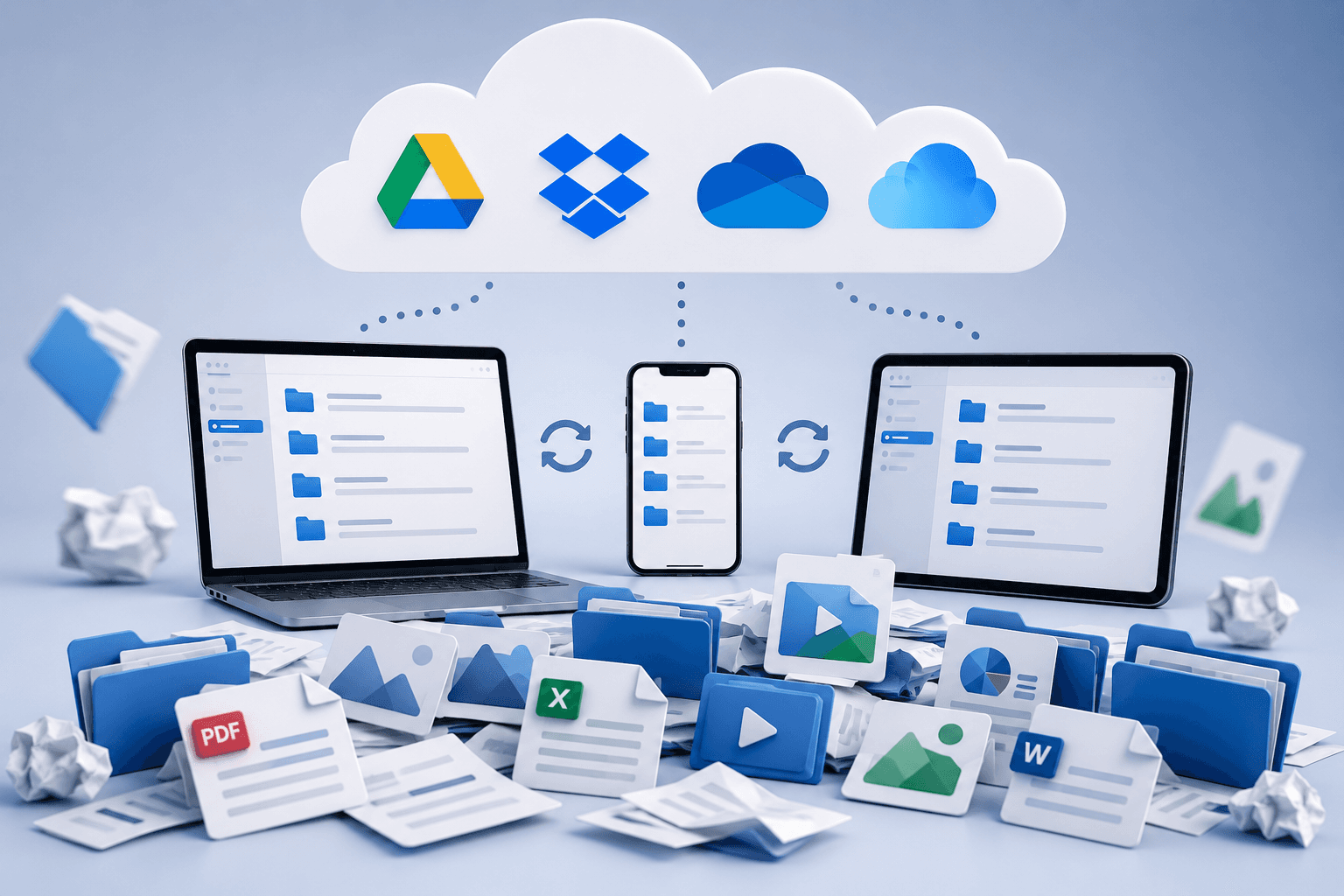
Cloud storage represents an online space for storing and sharing files. Typical examples include Google Drive, Dropbox, OneDrive, or iCloud.
Their primary purpose is simple data storage and accessibility from anywhere. Features such as folder sharing, file synchronization across devices, and real-time collaboration are commonly supported.
This is precisely why cloud storage has become a standard part of everyday business operations. Over time, however, its role is often expanded to include the management of branded assets as well.
And this is where problems begin to emerge.
Cloud storage usually does not address advanced asset versioning, metadata management, approval workflows, or control over who is working with the latest version of materials. In other words — files are stored, but they are not actively managed.
This becomes particularly visible within marketing teams. Smaller companies can often operate successfully with a shared Google Drive. However, once the number of campaigns, language variations, or collaborations with external agencies begins to grow, folder structures quickly stop working efficiently.
Different versions of the same logo begin to appear, duplicate banners accumulate, and presentations become scattered across multiple folders at once. The sales department continues working with an outdated brand manual while marketing already uses a newer visual identity. And this is the moment when it becomes clear that storing files is not the same as managing content.
Why companies often confuse DAM with cloud storage
At first glance, both systems may appear similar. In both cases, images, videos, and documents can be stored. Both systems operate online and support collaboration between teams.
The difference, however, starts becoming visible once an organization begins to scale.
Retail brands, for example, often work with a large number of localized campaigns for different markets. Without centralized asset management, situations quickly arise where different branches use different versions of materials. Some teams work with the latest campaign, while others continue using outdated banners stored in older folders.
As a result, assets are shared through email, files are manually forwarded between teams, and finding the correct materials becomes increasingly complicated. Larger volumes of content also tend to create duplicate files and confusion around the latest approved versions.
When a DAM system is used, content is centralized, enriched with metadata, and managed through permissions or versioning. Correct materials can therefore be located much faster, while the risk of using outdated assets is significantly reduced.
This is also where the real costs of poorly organized content are often underestimated. The issue is not just folder clutter. Workflows slow down, duplicate materials are created, and brand consistency begins to weaken.

BrandCloud and the difference between cloud storage and asset management
Only a few years ago, DAM was primarily perceived as a tool designed for large corporations. Today, however, the situation is changing significantly.
The volume of digital content is growing dramatically, while the way companies work with content is evolving at the same time. Marketing materials are no longer created only for websites or print. Content is adapted for social media, online campaigns, internal communication, or different language versions. A single asset may therefore exist in dozens of versions and formats.
At the same time, the number of people working with content continues to increase. External agencies, freelancers, and AI tools generating new materials almost continuously are becoming part of everyday communication workflows. And in this environment, maintaining control over which files are current, approved, or ready for use becomes increasingly difficult.
This is exactly where the difference between cloud storage and asset management becomes highly visible. While cloud storage primarily serves as a place to store files, DAM systems allow content to be organized, versioned, and managed across teams.
BrandCloud enables centralized digital asset management, access control, and fast content sharing across organizations. Content therefore no longer remains stored only inside folders, but becomes a systematically managed part of the brand itself.
Cloud storage can work very well for everyday document sharing or smaller amounts of files. However, once the volume of digital assets, the number of versions, or the number of people working with content begins to grow, the limitations of traditional shared drives become increasingly visible.
And that is exactly where the real difference between ordinary cloud storage and modern asset management begins.